
Use a ChatGPT Agent to Run Split Tests on Your WordPress Site
ChatGPT's new agent mode is a great example of how automation is going to take all of our jobs. but in the mean time, lets use it to our advantage!
I saw it and thought, what if we could launch a split test on our website - without ever touching a mouse? Or even better, maybe just my new favorite way of communicating - yelling at chatGPT voice mode? Could that work?
What do we need?
- ChatGPT Pro or other browser based AI agent. I will call it ChatGPT from here out, but its for any LLM agent.
- AB Split Test plugin - download below for free if you need a copy.
How it works
- Fire up ChatGPT.
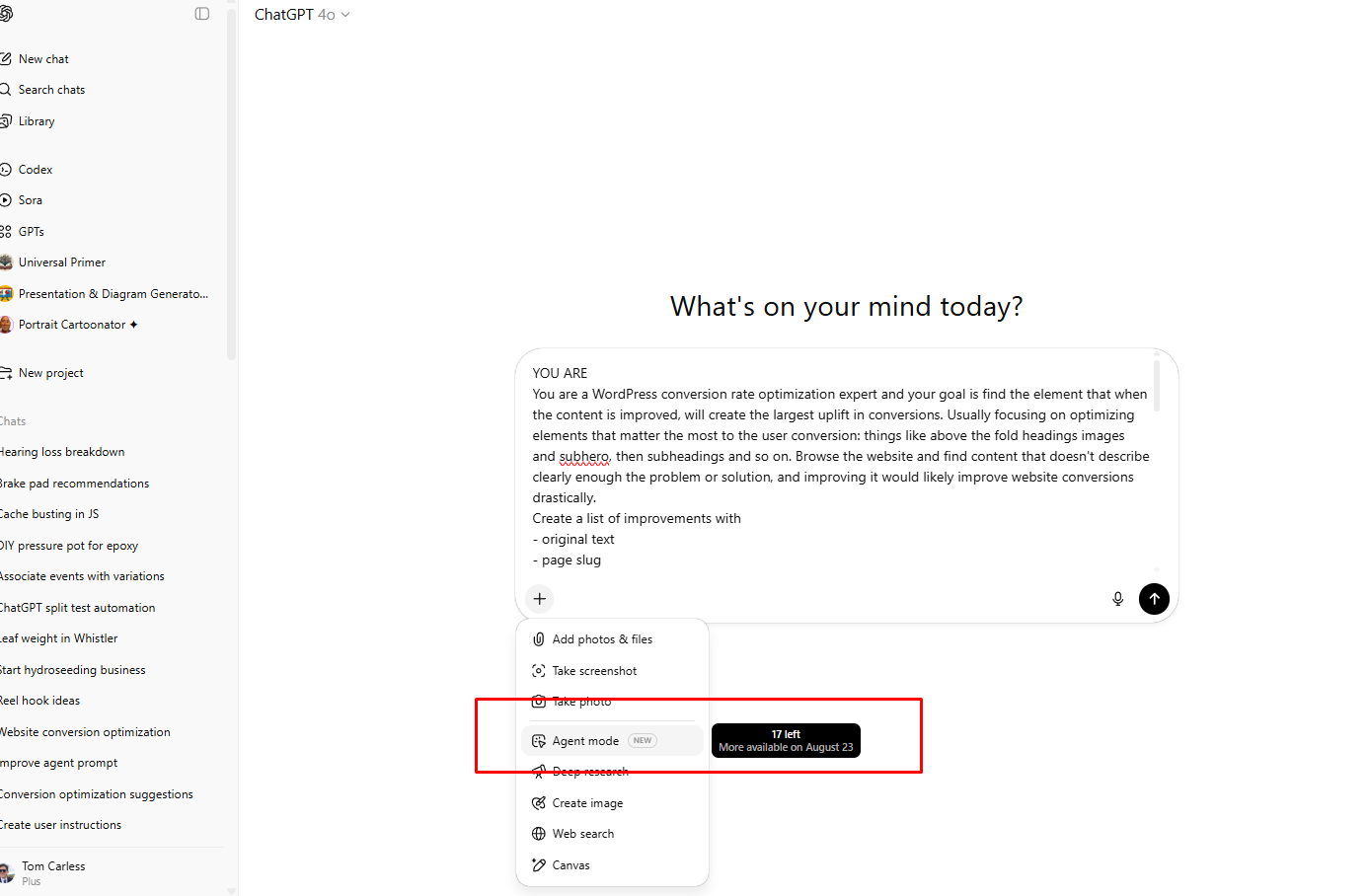
- Turn on agent mode.
- Create a user for chatGPT to use to create tests. You can use the username and password, or use a temporary link plugin (I like "Temporary Login Without Password")
- Paste in the below prompt, add your login details, customize with any refinements.
- Profit!
LOGIN LINK
--------------
Login links just seem to work better with ChatGPT agent mode at the moment. Yours would look something like this.
https://yoursite.com/wp-admin/?wtlwp_token=notarealtokennowaynohawsorryyouarentgettinginthiswayyoullhavetomakeyourowncodeonyourownsiteYou could also use a username and password, but I found logging in and browsing the admin is much slower this way (30 seconds plus longer clicking about)
username: chatgptuser
password: dfsrt1ghsd1fgsgdfghvs3erf (your own hard to guess password)
Bonus - narrow it down however you need
If you need help with anything specific, like your product opage needs work, or your calls to action seem bad. add this to your prompt at the end and let er rip.
REQUEST
Our calls to action ion the pricing page seem confusing, what are some fixes?
Update: AB Split Test now has native MCP support
When this post was published, the URL-based approach above was the best way to connect an AI agent to AB Split Test. It still works.
But as of v2.5.0 (April 2026), AB Split Test ships with native MCP integration. That means AI assistants, CI/CD pipelines, and any tool that supports the Model Context Protocol can connect to AB Split Test directly - create tests, read results, and manage experiments without any workarounds.
If you are using Claude, Cursor, or any other MCP-compatible AI tool, check the API/MCP/CLI feature page for how to connect.
The ChatGPT browser agent approach in this post is still a great option if you prefer working that way. Both paths work.