
Your download is on its way!
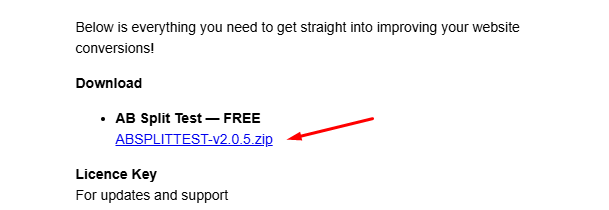
- Check your emails for "Your AB Split Test Purchase"
- Click to download the plugin
- Go to your websites WordPress admin
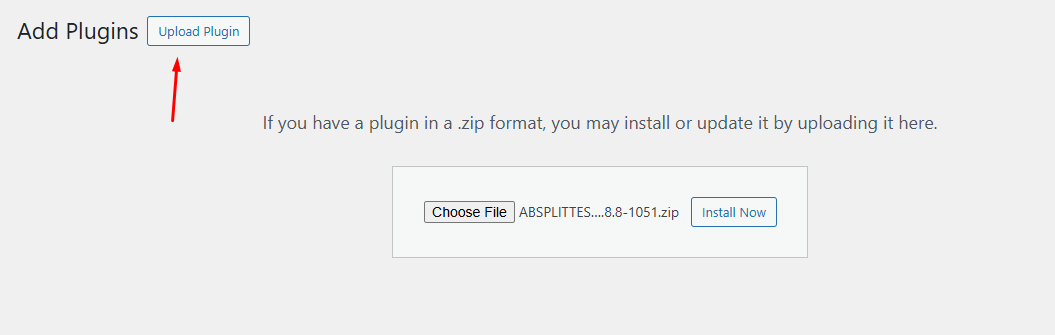
- Plugins > Add New > Upload
- Select the .zip file you just downloaded
- Install and activate
- Watch the walkthrough on creating your first test with us
Lets Talk
Talk with Tom (Founder) about how to best use AB Split Test in your business.