
AB Split Test v2.2.0: Heatmaps, Cookie Consent and Server-Side Tests
Version 2.2.0 was a big one.
- Heatmaps, click maps, dead click maps, rage click maps!!
- Server Side Rendering of full page tests
- Enhanced Privacy - Cookie Consent Mode with 5 integrations
- Many fixes and tweaks
Heatmaps
Available on the Teams plan.
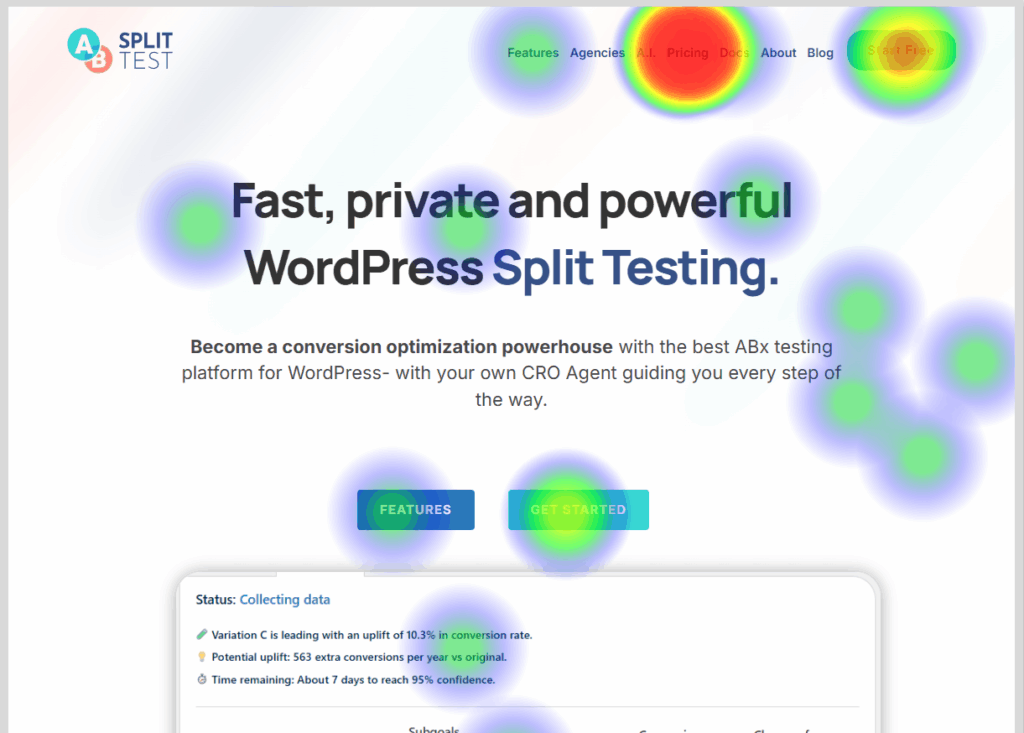
You were right, Privacy first heatmaps - AB Split Test style are great
I say this jokingly, but I (Tom, founder) always thought heatmaps were unnecessary. But the reality was I did love the data, I just didn't want to install another snippet, sketchy weird plugin, or login to Clarity. Which is great, but it leaves you wondering, why is this free, what is my data doing?
So I created a proof of concept and it felt too good.
That quickly turned into the primary focus over the last 8 weeks.
And now it's AB Split Test's greatest update is a long time.
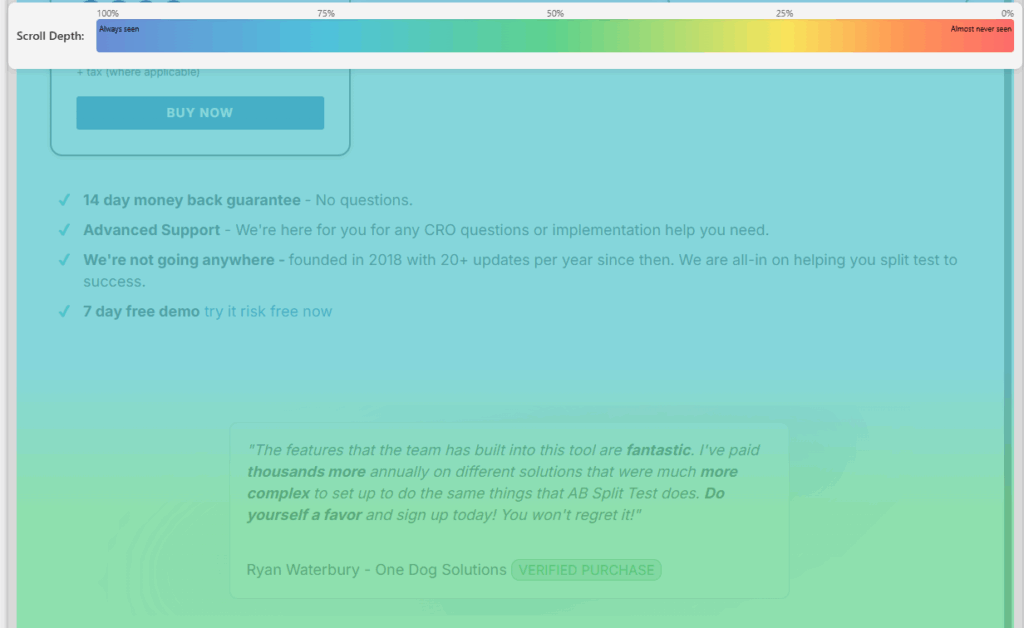
See visitor heatmaps, rage clicks, dead clicks and scroll depth data to make sure your users are doing as they are told!
View results instantly for test variations, or filter results by screen size, UTM, logged in status and more.
Reports to bosses, clients and stakeholders look so much cooler with colorful blobs all over the place -you can even brand-match your blob colors!
Ultimate Privacy - Cookie consent mode
Now you can stop any test data from being sent or cookies saved untill cookie consent has been granted.
Tests run as normal, ensuring a seamless user experience. The difference is that anonymous test data is kept in a session until cookie consent has been granted, ensuring the highest level of GDPR compliance.
At launch, it integrates instantly with:
Complianz, CookieYes, WP Consent API, CookieConsent , Cookiebot, Termageddon. Message us your preferred tool and we will add compatibility where possible.
Borlabs users can activate the official AB Split Test Package in the Borlabs Cookie extensions page.
Server Side redirects for full page tests
Usually, Full Page tests change the URL when running split tests. This is fast, and works great with cached web pages, but bad for running ads.
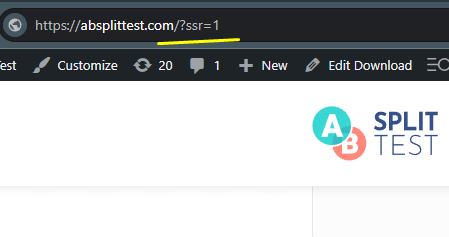
Now you can add ?ssr=1 to your test page URL, and the logic will be computed server side, and the URL will never change. More info about Server Side Redirects here.
What has been added since
Heatmaps have grown a lot since v2.2.0
This release was where heatmaps started. Since then they have been expanded significantly across multiple updates:
- Click count hover tooltips showing percentage of total clicks per element
- Heatmap data retention settings (default 30 days)
- Support for archive, taxonomy, and category pages
- Scroll depth tracking improvements
- Session Replays added in v2.4.0 - watch real visitor sessions with cursor movement and click visualization
- UTM and referrer filtering for session replays in v2.5.0
- Heatmap click coordinates validation and selector improvements in v2.4.3
See the full Changelog or the Heatmaps feature page for the current feature set.