
AB Testing Without Killing Your Lead Flow: A Beginner’s Guide
Most people avoid AB testing for the wrong reason
The fear usually sounds like this: "What if I break something that's already working?"
It's reasonable. If leads are coming in and the site is converting, why risk it? But avoiding AB testing tends to be the more expensive decision in the long run. You don't know which parts of your site are actually doing the work, and you don't know what you're leaving on the table.
AB testing is really just a way to make changes with evidence instead of guessing. The risk isn't zero, but it's much smaller than most people assume especially when you control how much traffic is involved.
The 5% problem (that isn't actually a problem)
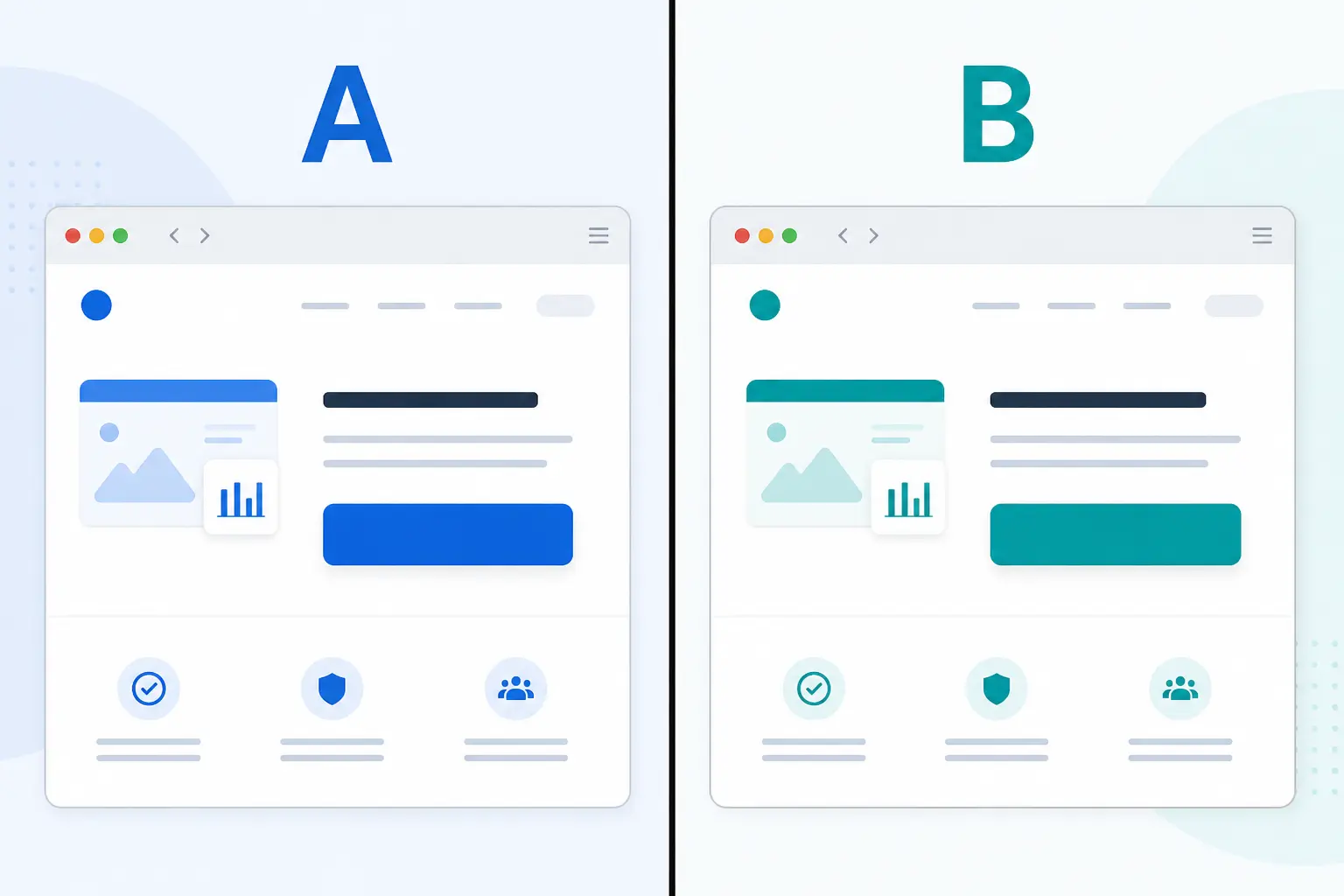
Say you want to test a new headline. You're nervous about it, so you run the test on just 10% of your traffic. AB Split Test splits that group evenly. Half sees the original, half sees the variation.
That means your untested idea is only shown to 5% of total visitors. Even if it performs terribly, 95% of your traffic never sees it.
That's not really a risk. That's a controlled experiment on a very small slice of your audience.
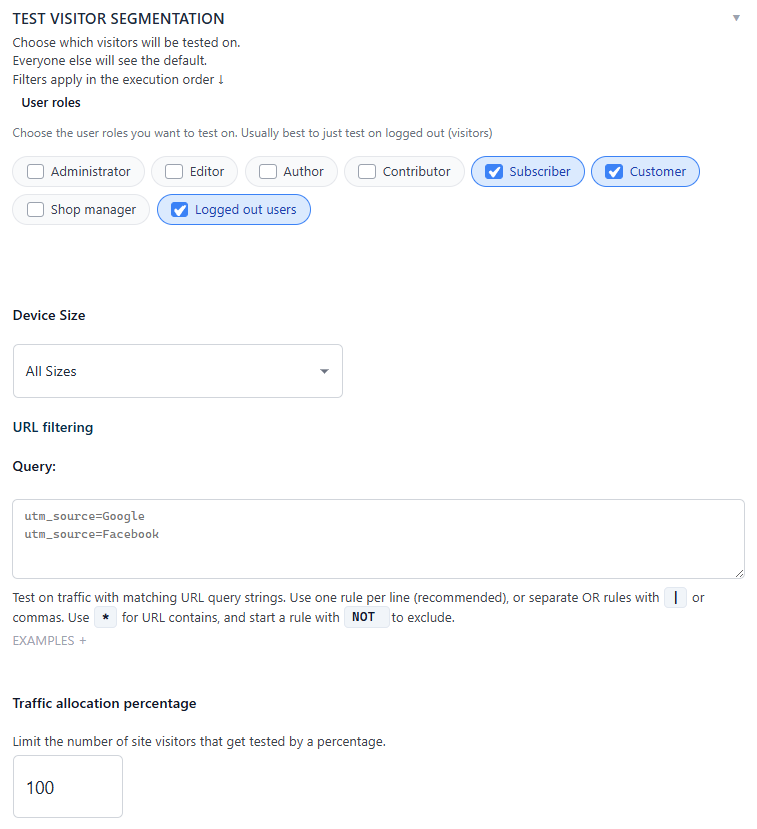
You can set the exact traffic percentage inside the plugin, and you can layer on additional targeting - by device type, user role, or specific URL so your highest-converting segments stay untouched while you test on others.
Start with data, not hunches
The biggest beginner mistake isn't running a bad test. It's testing the wrong thing.
Changing a button color because someone read a case study about it is how you spend three weeks collecting data that answers the wrong question. Before you set up any test, it helps to know what visitors are actually doing on your pages.
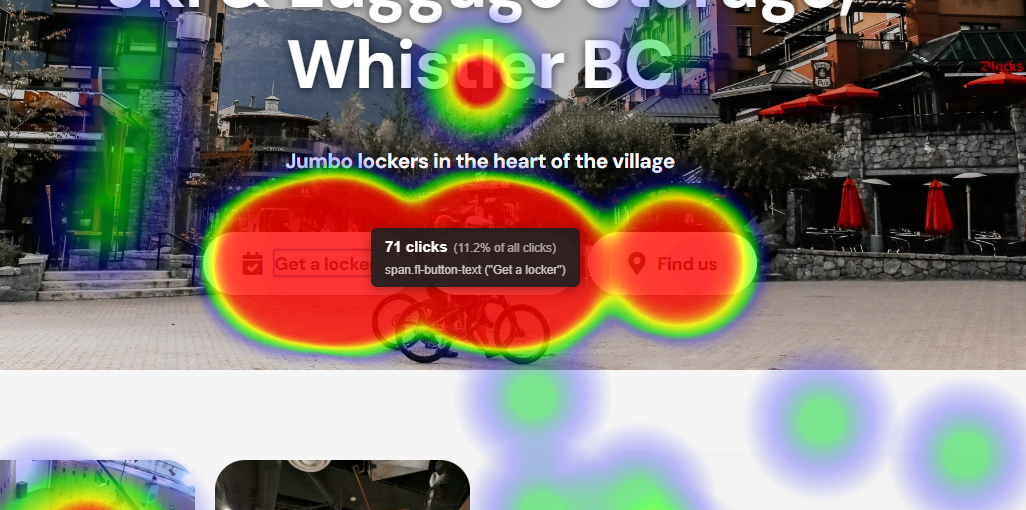
AB Split Test has built-in Heatmaps for this. You can see where people click, how far they scroll, and where they drop off - all without leaving WordPress or paying for a separate tool. If the heatmap shows nobody's scrolling past the hero section, that's your first test. If visitors are clicking on something that isn't clickable, that's worth investigating.
The heatmap tells you where the problem is. The test confirms what fixes it.
The AI does a lot of this for you now
If you're not sure what to test, the plugin can help figure that out.
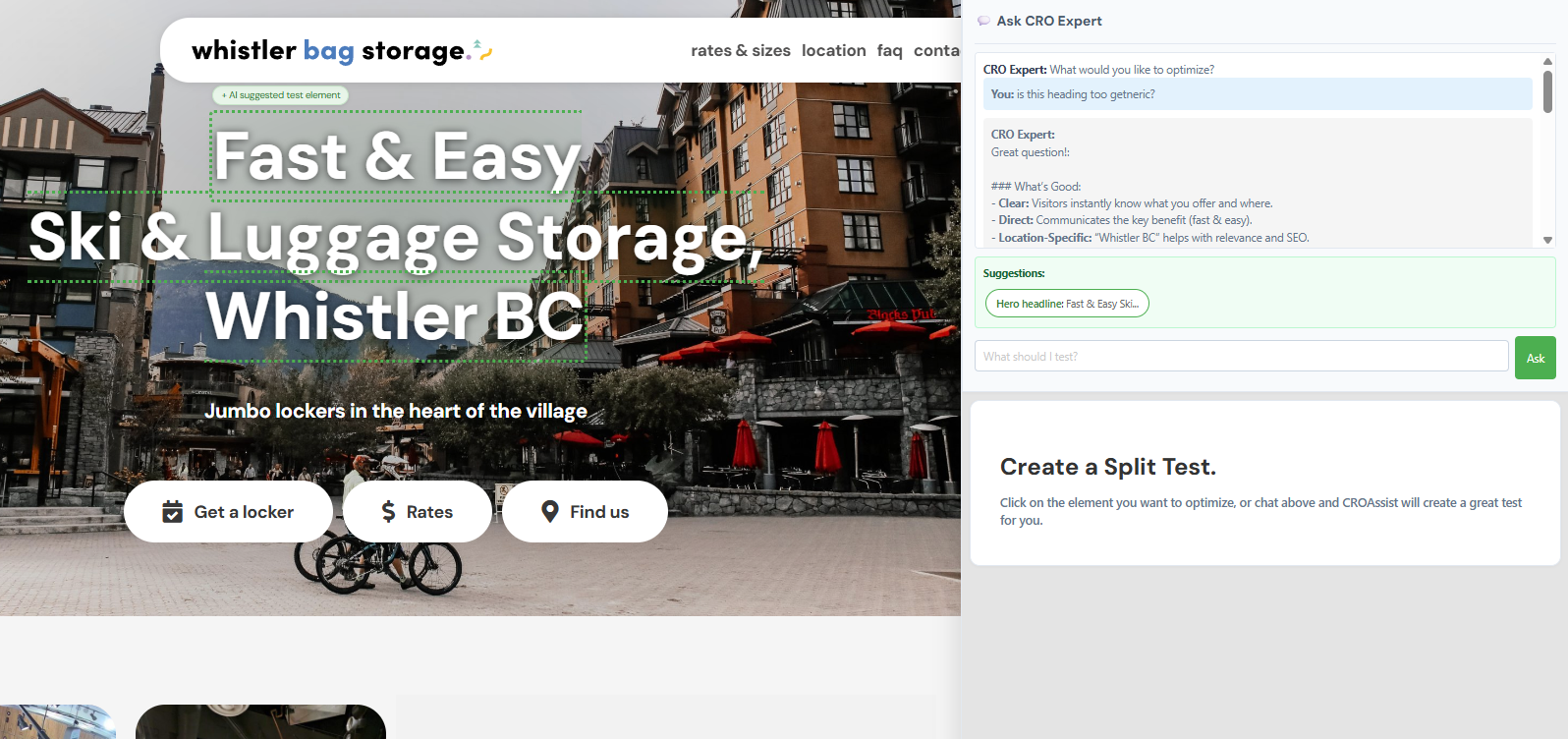
The built-in AI CRO Agent scans your site, reads your copy and structure, and generates specific test suggestions based on what it finds. It's not generic advice and it works from your actual pages. And when you're ready to act on a suggestion, one click creates the test.
Magic Point-and-Click Mode takes it further. You click on any element on your page - a headline, a button, an image, and the AI immediately generates variations for you to test. No setup screens, no writing briefs, no guessing what to change.
It's genuinely one of the faster ways to go from "I should probably test something" to an actual running test.
You don't have to decide when the test is done
Knowing when to stop a test is one of the trickier parts, and one beginners often get wrong by either stopping too early or running tests indefinitely.
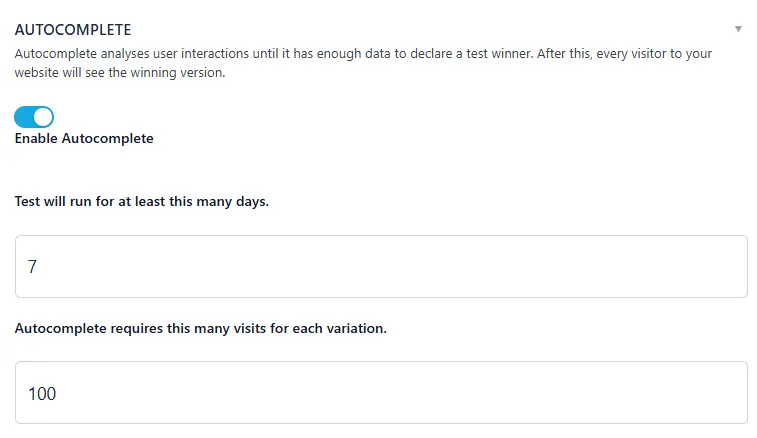
AB Split Test handles this with Autocomplete. It runs Bayesian statistics on your incoming data, and when there's enough evidence to declare a winner, it automatically shows the best variation to all visitors. You don't have to check results daily or make a judgment call on the numbers.
When a test completes, the results dashboard shows you the winner, the confidence level, and the uplift clearly. You can also generate a public shareable report, a secure URL you can send to clients or stakeholders who don't have a WordPress login.
No GDPR headaches
A question that comes up often, especially for users in Europe: does AB testing create compliance issues?
AB Split Test doesn't store any personally identifying data and doesn't use remote servers. Everything stays inside your WordPress install. Cookie consent plugins are respected automatically and nothing gets recorded until a visitor has accepted. That covers GDPR, and most other privacy regulations that follow similar rules.
A simple first test to run
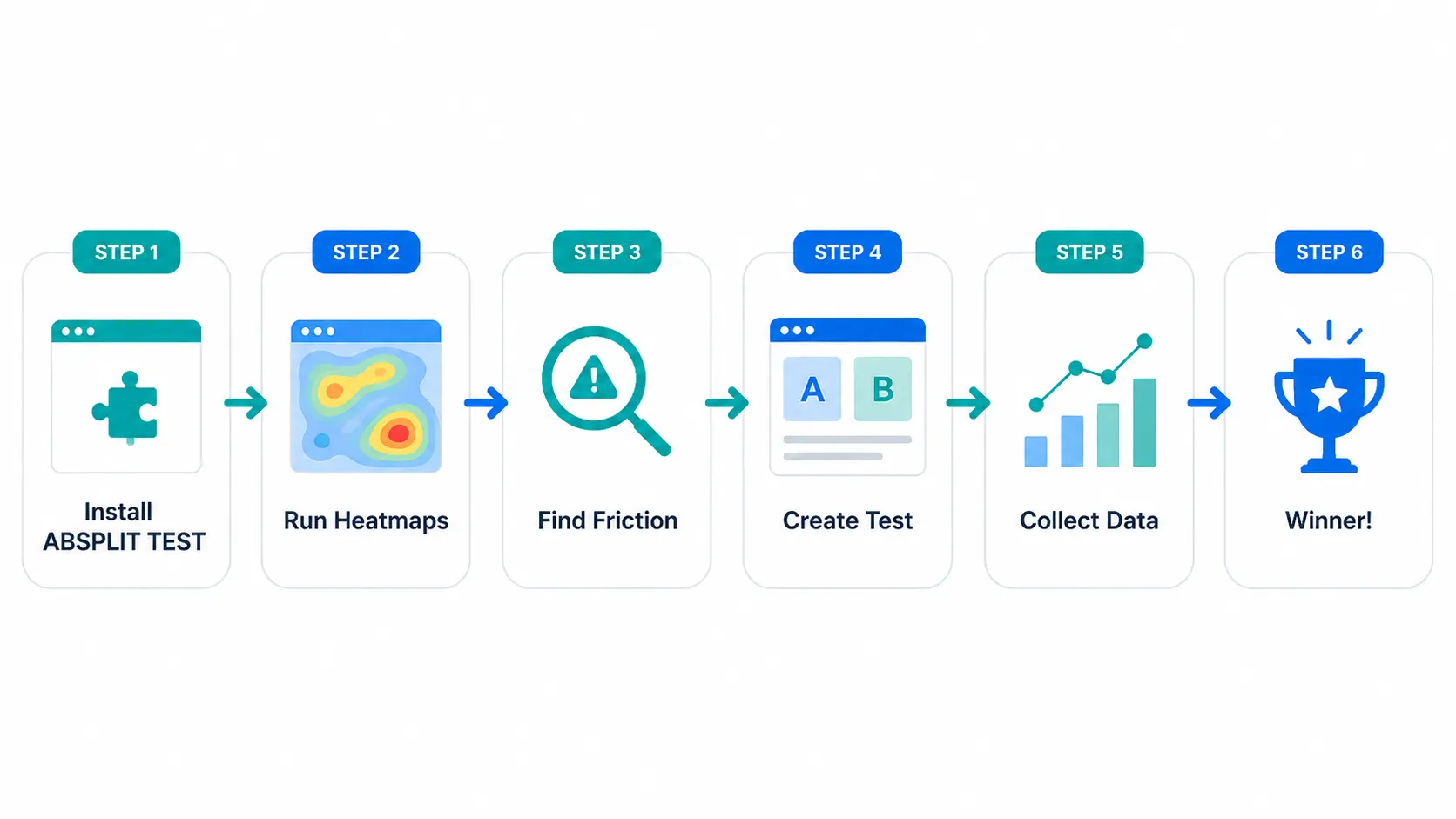
You don't need anything complicated for your first test. Here's a starting point that works for most WordPress sites:
- Install AB Split Test (the free version includes one active test)
- Run heatmaps on your highest-traffic page for a week or two
- Find the biggest drop-off point or ignored element
- Use Magic Mode or the AI suggestions to create a variation
- Set traffic to 20–30% so most visitors see the original
- Let Autocomplete handle the rest
Worth trying
The sites that improve consistently aren't the ones that got lucky with their original design. They're the ones that kept testing, kept learning, and kept making small changes backed by real data.
If you've been putting it off because it felt risky, start small. Ten or twenty percent of traffic, one test, one question you want answered. That's all it takes to get going.
