
How to Build a Split Test Hypothesis That Actually Works
The most common reason split tests fail is not the test itself. It is that the wrong thing was chosen to test in the first place.
Someone notices a low conversion rate, picks an element that looks like it might be the problem, changes it, runs the test for two weeks, and gets nothing. So they decide split testing does not work.
What actually happened is they skipped the step that makes split testing useful - building a hypothesis from real data before touching anything.
Here is how to do it properly.
Mistake 1: Testing things visitors are not actually interacting with
A classic example - someone notices their About page has a low conversion rate. They spend two weeks split testing the headline. Results are flat. The real problem is that visitors were never reading the About page in the first place because the homepage copy was not compelling enough to get them there.
The test was technically fine. The target was wrong.
Before you pick anything to test, you need to know where visitors are actually going and what they are doing when they get there.
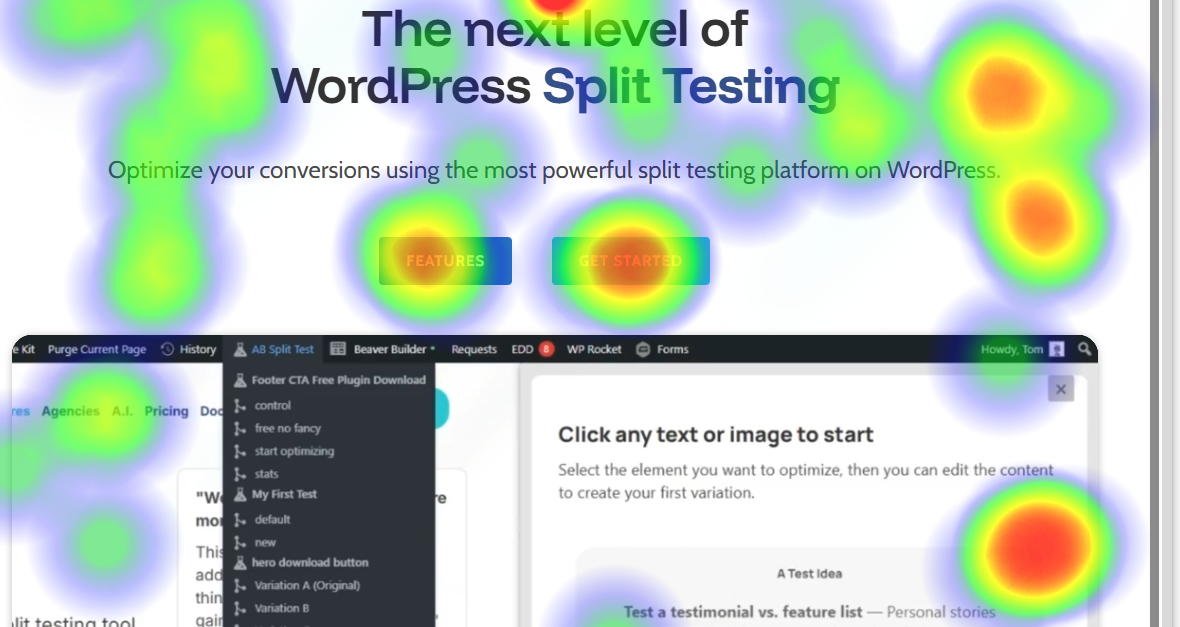
Use heatmaps to find the real problem
AB Split Test has built-in heatmaps and scroll maps that show you exactly where visitors click, how far they scroll, and which elements get ignored. Run them on your highest-traffic page for one to two weeks before you set up any test.
What to look for:
- Visitors not scrolling past the fold - your above-the-fold content is not compelling them to keep reading
- Clicks on non-clickable elements - something looks interactive but is not
- High click volume on a link you do not want people clicking - they are navigating away from where you want them to go
- Almost no clicks on your main CTA - the button is not standing out or the copy is not working
Once you see a pattern in the heatmap, you have a real problem to solve. That is the starting point for a hypothesis.
Use session replays for more detail
If the heatmap shows something surprising, Session Replays let you watch individual visitor sessions to understand why it is happening. You can see cursor movement, hesitation points, and where visitors leave.
On a low-traffic site where every visitor matters, watching five or ten sessions can tell you more than weeks of heatmap data alone.
Mistake 2: Not knowing what to test in the first place
Heatmaps show you behavioral problems. But some problems are invisible to behavior tracking because they happen before the visitor even gets to your site - or because they never come back after a confusing experience.
For those, you need to ask.
Ask visitors directly
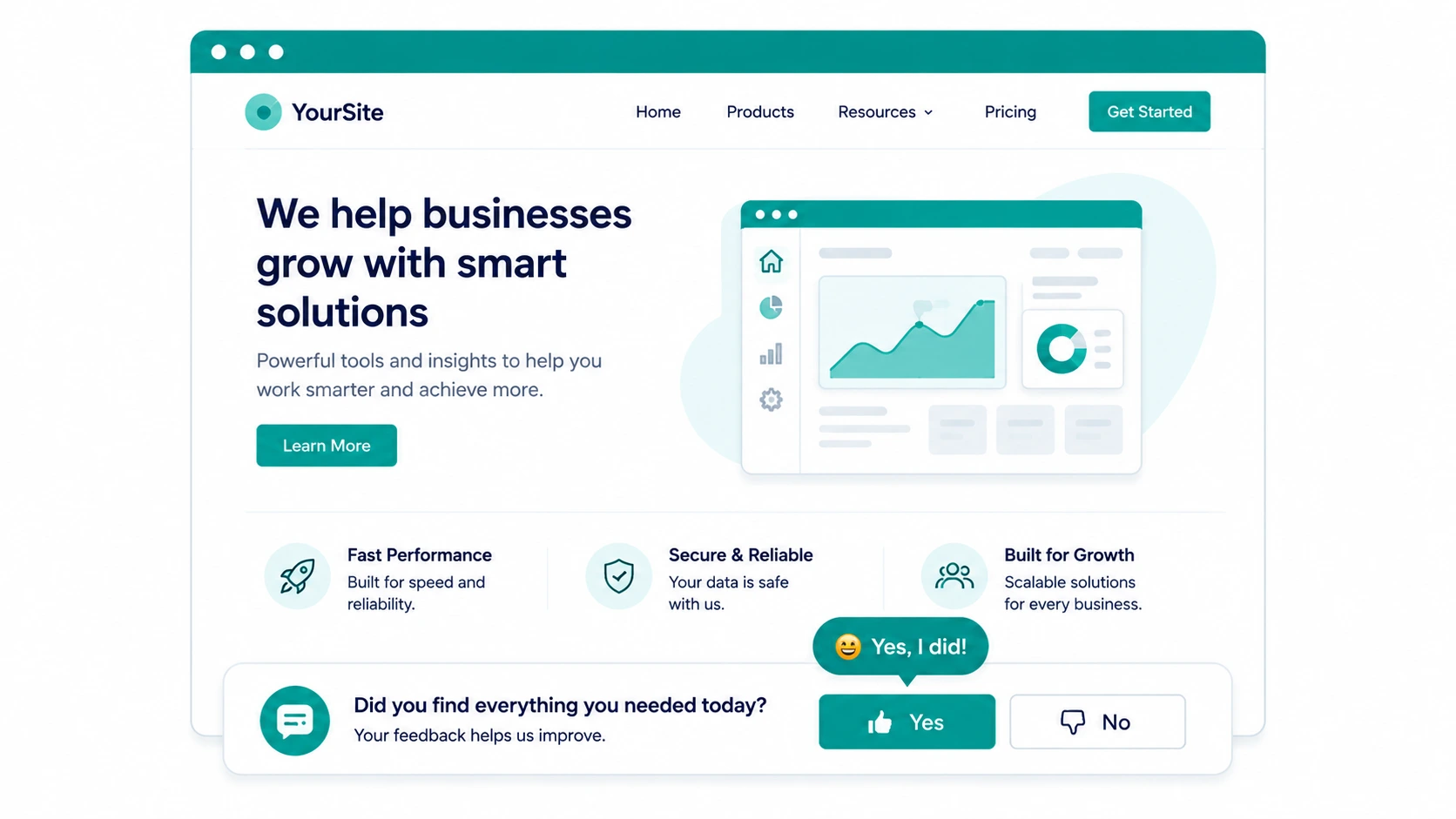
One question works better than any survey: "Did you find everything you needed today?"
If the answer is no, follow up with: "What could we have done better?"
Put this in your footer, your live chat, or as an exit-intent trigger. The responses will tell you what visitors expected to find but could not - whether that is missing information, confusing navigation, or a question about pricing that goes unanswered.
These responses are gold for building test hypotheses because they come directly from the people you are trying to convert.
Building the hypothesis
Once you have a problem from real data - a heatmap pattern, a session replay, or visitor feedback then you can write a proper hypothesis.
A good hypothesis has three parts:
Problem: What the data shows is not working Theory: Why you think it is happening Solution: What you want to test
For example:
- Problem: Heatmap shows almost nobody is clicking the main CTA button
- Theory: The button copy "Get Started" is too vague and does not reduce commitment anxiety
- Solution: Test "Try It Free - No Credit Card" as the button copy
That is a hypothesis worth testing. It came from data, has a clear reason behind it, and has a specific thing to measure.
A hypothesis that says "let's try a different button color because someone read a case study about it" is not a hypothesis, it is a guess.
Let the AI help when you are stuck
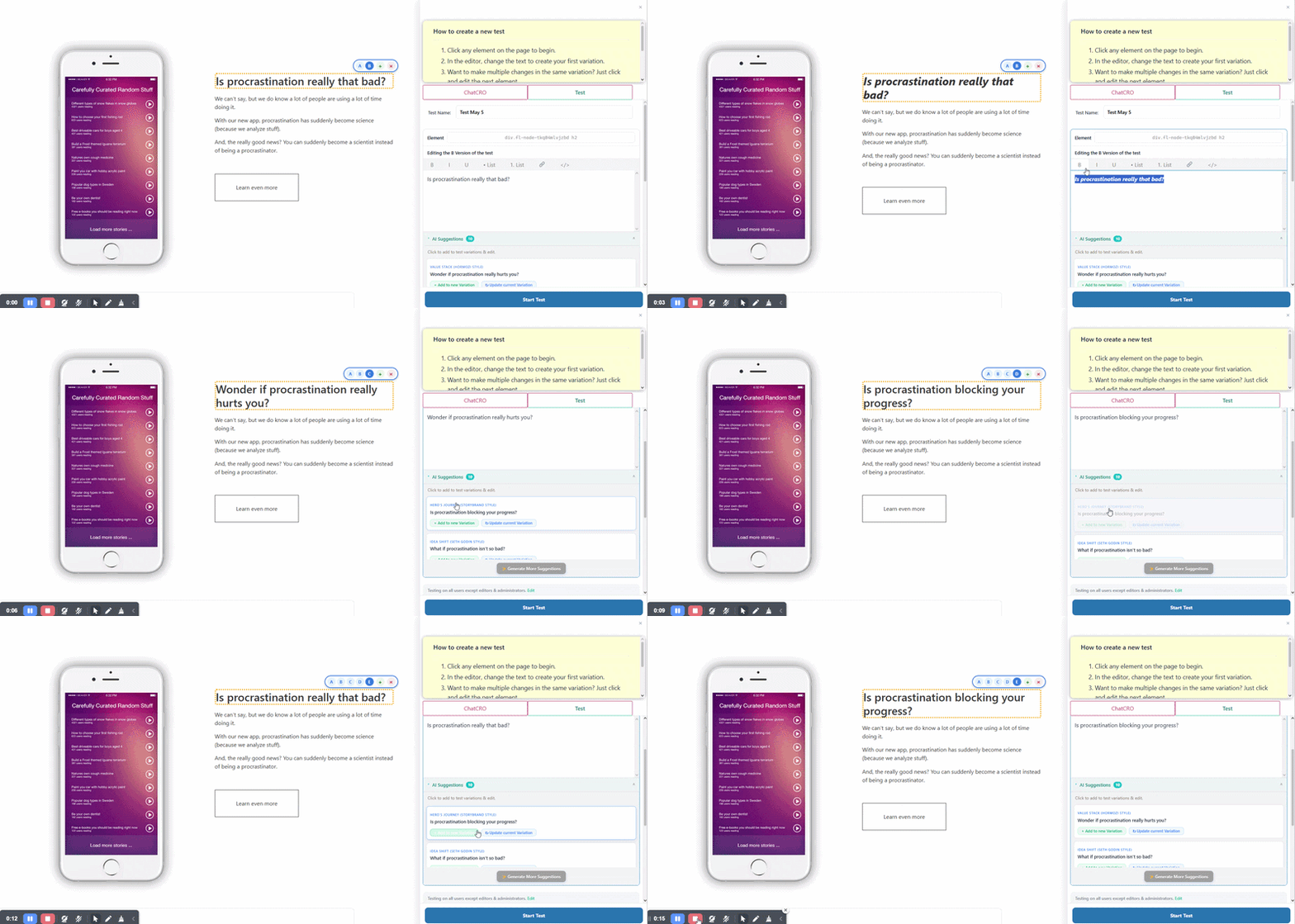
If you have heatmap data or visitor feedback but are not sure what test to run, the AI CRO Agent in AB Split Test can help. It scans your page content, understands your audience, and generates specific test suggestions with the reasoning behind each one.
You can also use Magic Point-and-Click Mode to click on any element and get AI-generated variations instantly. It does not replace the research step - but once you know what to test, it removes all the friction from setting it up.
Save ideas as you find them
You will almost always spot more problems than you can test at once. The Test Ideas feature lets you log each hypothesis with an ICE score: Impact, Reach, Confidence, Effort so the highest-value tests rise to the top automatically. When you are ready to run the next test, you already know what it should be.