
Giving feedback and looking at the Roadmap

If you have some ideas about we might improve the AB Split Test WordPress plugin, or if you’d like to report bugs etc., please do the following.

Head to https://absplittest.com/feedback. If you have an account with us you can can log in.
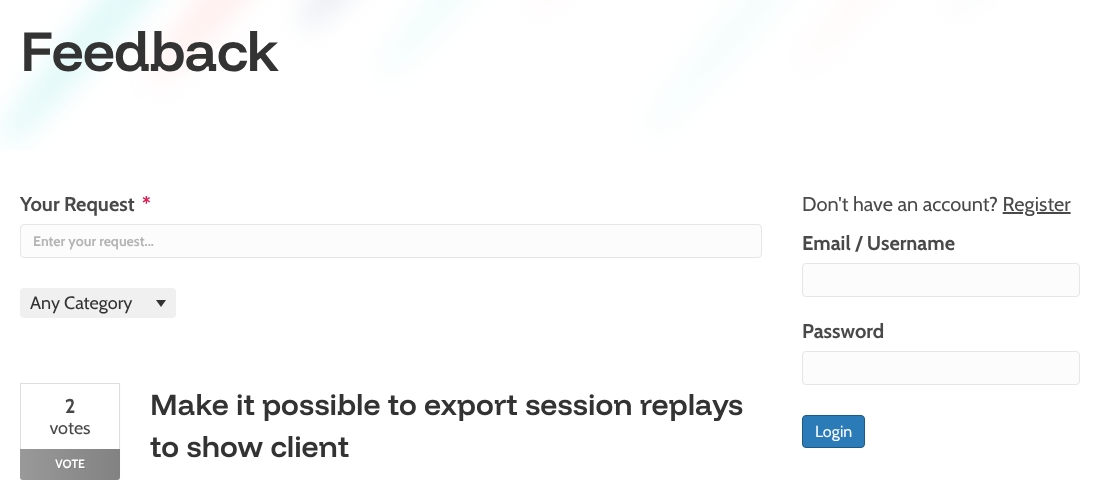
A website feedback page shows a login form on the right with fields for email or username and password, and a section to submit feedback on the left.

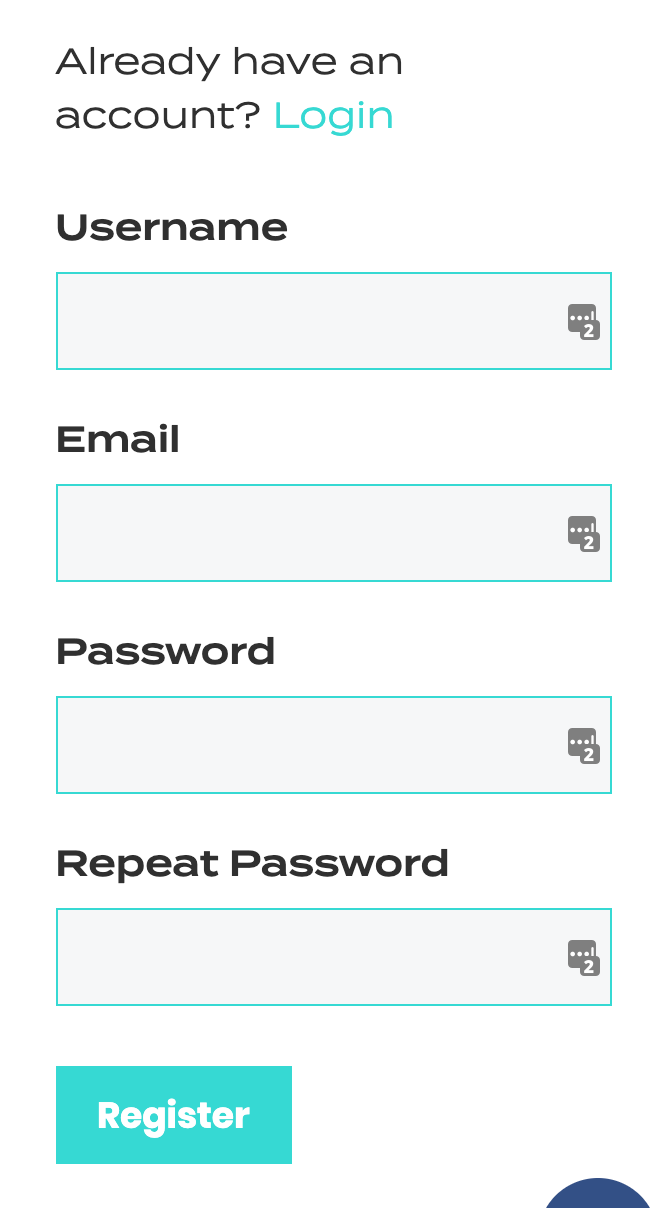
If you don’t have an account, click “Register” and set one up.Registration form with fields for username, email, password, repeat password, and a turquoise "Register" button; "Already have an account? Login" is displayed at the top.
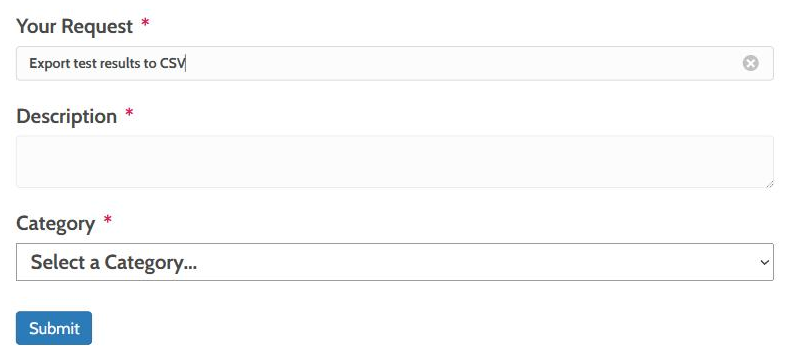
To offer feedback, start tying in the “Your Request” field. Further options will appear.
A feedback form interface showing a text box for requests, request categories, a list of top requests, and a highlighted "Add full page split testing" request with one vote.

Enter a Description and add a category.

A feedback form with fields for request, description, and a category dropdown; "Feature request" is selected, but no feature requests are found below.

You can upvote other requests go give us an idea of what you feel needs attention.
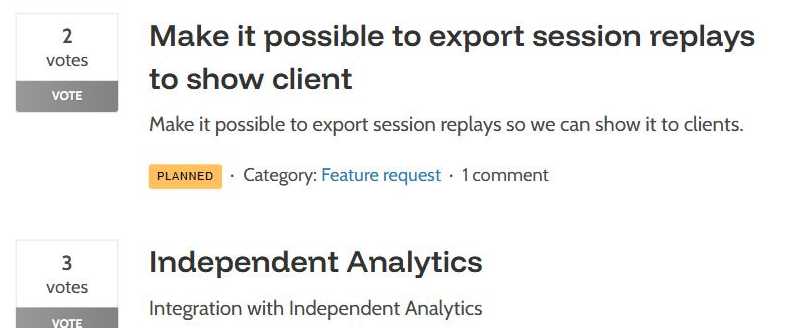
Screenshot of a feedback page showing a “1 vote” box, the suggestion “Add full page split testing,” and a blank comment field.

If you’d like to see our Roadmap, head to https://absplittest.com/roadmap
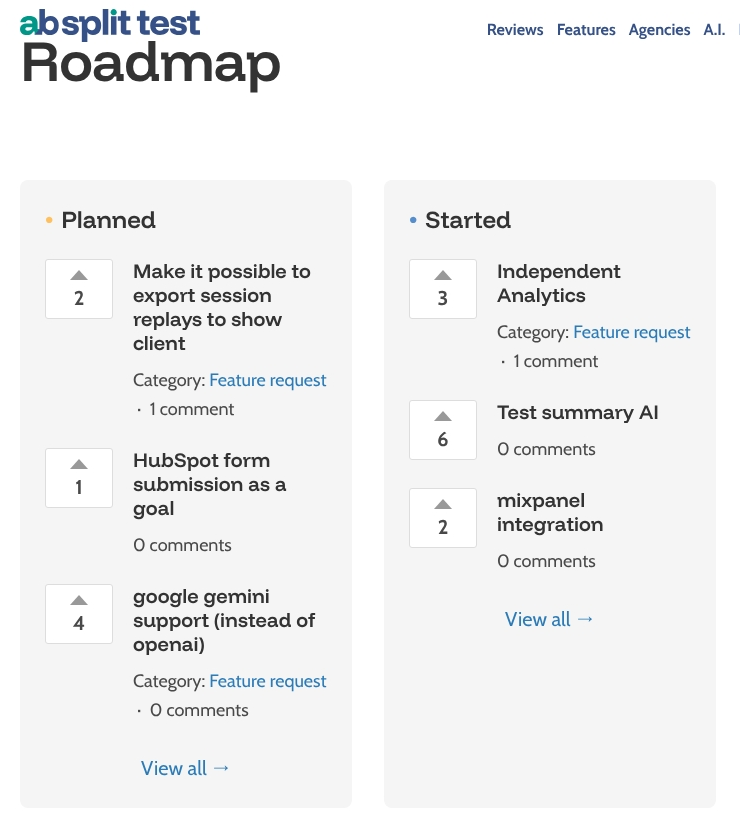
Screenshot of the AB Split Test website's Roadmap page, highlighting the page URL and a feature request for full page split testing.

Leave a Comment

You must be logged in to post a comment.