
Feature
Split Test Server
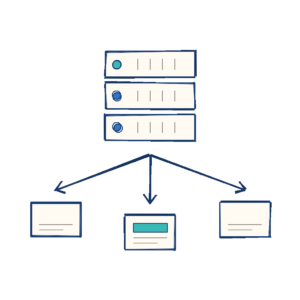
Run your split tests on any platform and still control the data. One snippet turns your WordPress install into the testing server for sites that have nothing to do with WordPress: your own visual website optimizer, on your own hosting, and a plan for all those vibe-coded sites.

One Install, Any Site
Add the domain under Settings > Tracking & Privacy > External Domain Testing, copy the snippet it generates, and paste it into the <head> of your site. Shopify, Webflow, Squarespace, HubSpot, Astro, Next.js or something hand-rolled: if you can add a script tag, it can be tested. One snippet covers every page on that domain.

The Whole Testing Suite
Full-page tests, code (CSS) tests, on-page tests and point-and-click Magic tests all run through that one snippet, along with targeting rules, audiences, device and referrer conditions, traffic allocation and autocomplete. It is the same testing engine your WordPress pages use, pointed somewhere else.
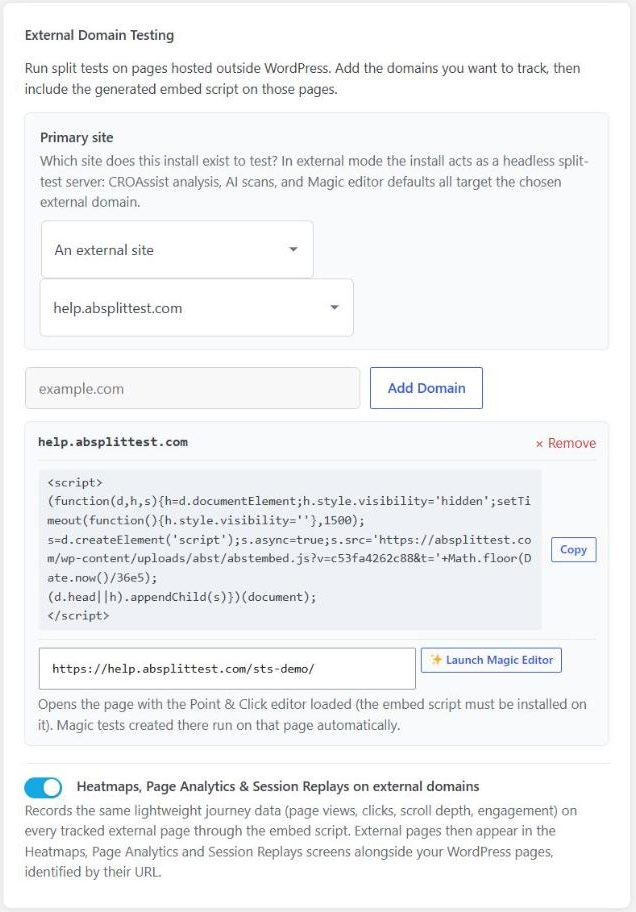
One settings panel: point the install at your other site, copy its snippet, switch on heatmaps and replays.

Point and Click on a Site You Did Not Build
Launch the Magic editor straight onto an external page from your domain list. Click a headline, retype it and save, and the snippet serves the variation from then on. You don't need access to the other site’s codebase, a developer or a deploy.

Heatmaps, Page Analytics and Session Replays
Switch on journey capture and every tracked external page feeds the same Heatmaps, Page Analytics and Session Replays screens as your WordPress pages, identified by URL. Clicks, rage clicks, scroll depth, engagement time and full session playback are all recorded, even though you do not host the site.
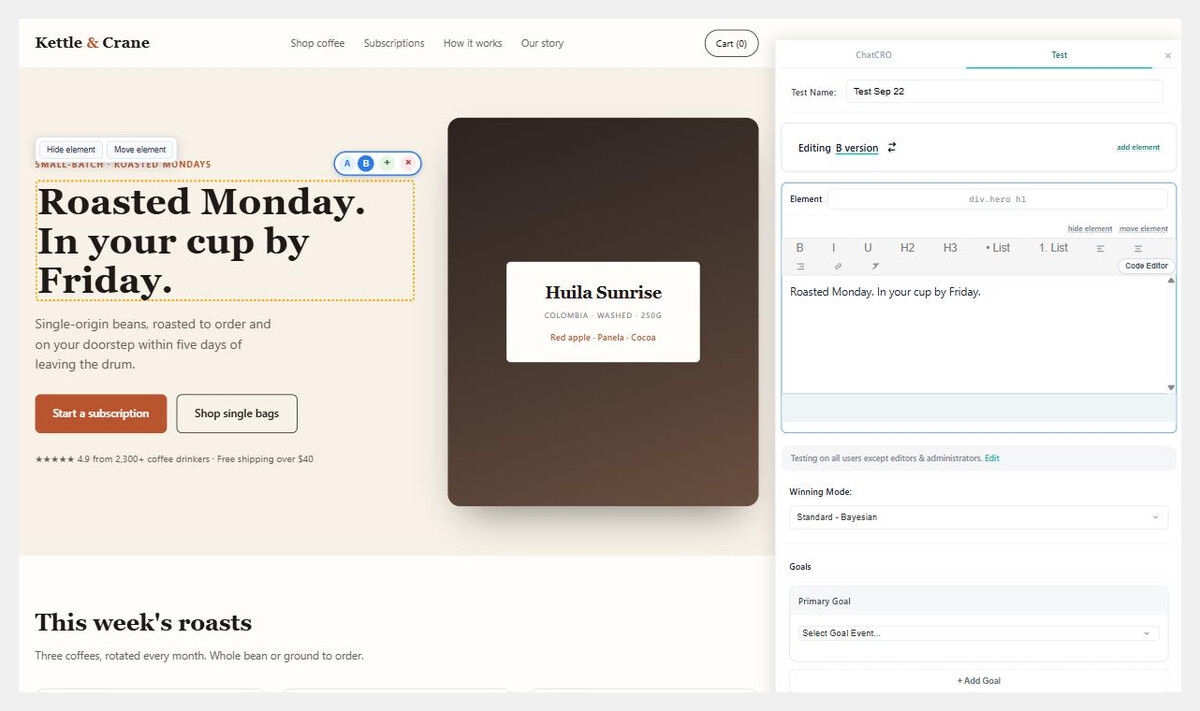
The point-and-click editor on a static HTML page. No WordPress on that site, just the snippet.

A Plan for Your Vibe-Coded Sites
The landing page you generated in an afternoon has no analytics story and nothing to test with. Paste the snippet into its head and it gets heatmaps, session replays and real split tests without you touching a line of the generated code or regenerating it and losing the lot. The same applies to every client microsite and campaign page living outside your WordPress build.

Your Own Visual Website Optimizer
Hosted optimization platforms charge by tested visitor and by seat, and keep your results on their servers. Run the same job from an install you already pay for: unlimited tested visitors, no seats, and White Label so clients see your brand rather than ours. One install per client, provisioned with a single command.

Revenue Goals That Work Off WordPress
WooCommerce and Easy Digital Downloads goals need WordPress, but order value does not. The snippet reads the order total from the thank-you page on its own, from known URL parameters, common order-total markup or the visible “Order total” line. Where a checkout is unusual, one line of JavaScript sets it exactly. Order Value Optimization then picks the variation that earns the most, not simply the one that converts most often.

You Control the Data
Nothing leaves your install, so there is no third-party analytics account, per-visitor pricing or data-processing agreement to sign. Read it however suits you: the results dashboard, the REST API, MCP so an AI assistant can query your tests directly, or WP-CLI.
See why thousands of WordPress professionals choose AB Split Test.

Test anything in WordPress.
Blocks, pages, posts, page-builder elements, custom post types, templates, shortcodes, HTML, JavaScript, or CSS.
All of it works without workarounds.
The most conversion options
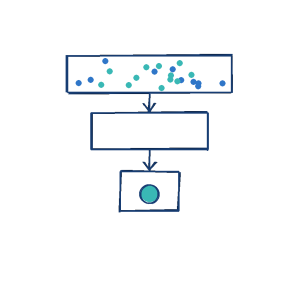
Page visits, clicks, form submits, purchases, active time, scroll depth, JavaScript events, conversion pixels, block or module triggers, and server-side PHP or AJAX actions. We currently support 11 conversion (goal) types.

Point-and-click testing
Click the element you want to improve, review the AI variations, make your edits, and start the test, all without a developer.

Blocks, Bricks, Beaver Builder,
Elementor, Breakdance and more
Deep integration with your page builder means you can test blocks, elements, sections, templates and layout parts without leaving your workflow.

Autocomplete
Calculates when enough data has been collected, then automatically shows the best variation to all. We do the Bayesian statistics calculations, so you don't have to.
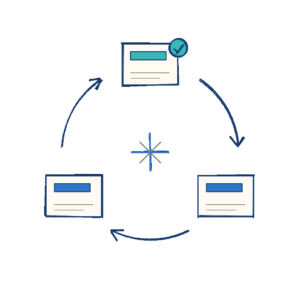
Auto-optimize
A winning magic test builds its own next round. The winner becomes the control and AI writes new variations to beat it.

Privacy (GDPR) friendly
We do not store any user identifying data or utilize remote servers for customer data.
Cookie consent tools are respected, so no data transmitted or saved until accepted.

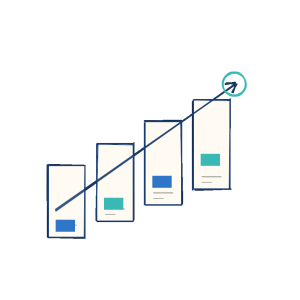
Unlimited Tests, Variations & Goals
Create as many tests as you like with as many test variations as you want.
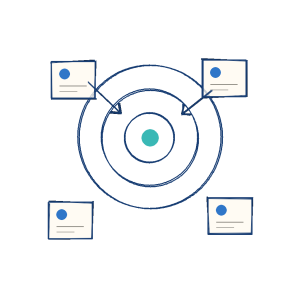
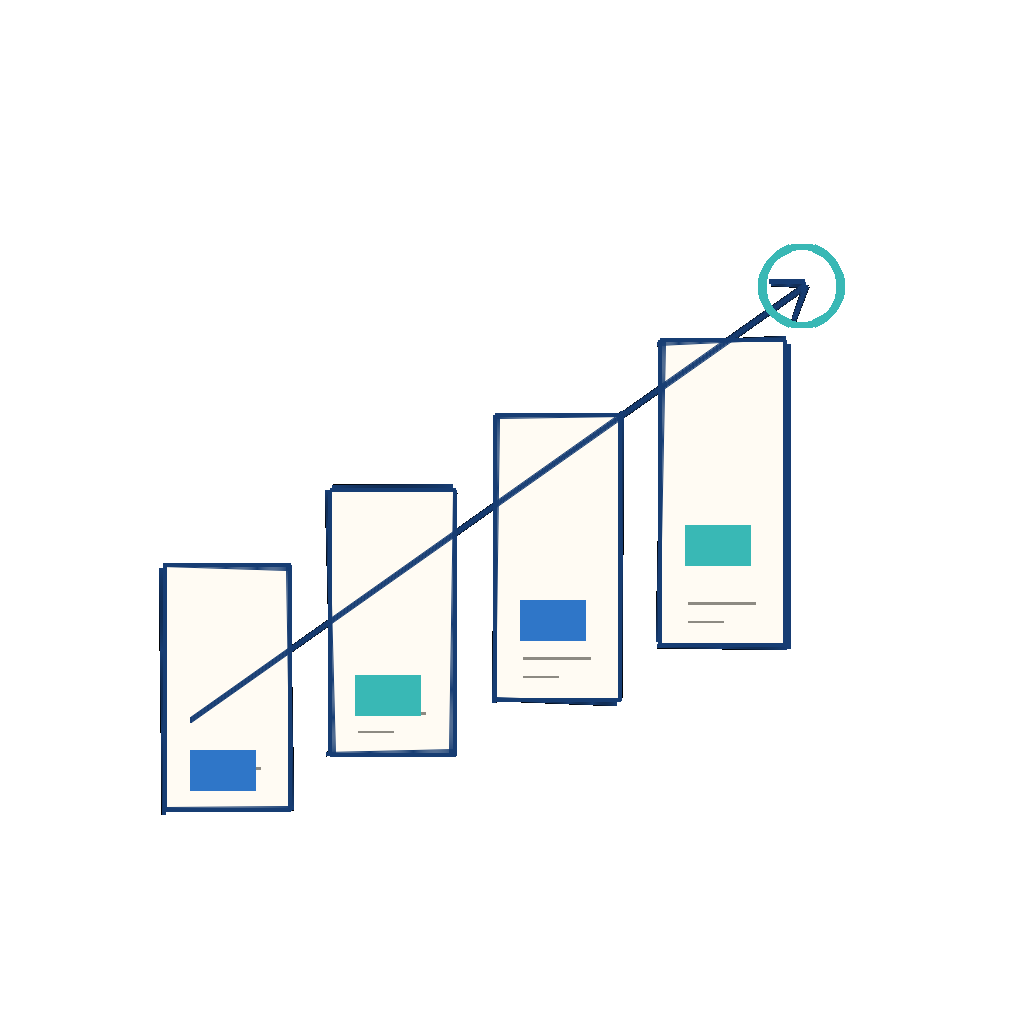
Unlimited Page Views
Collect as much data as you need to make an informed decision without worrying about credits or usage limits.

Test inside templates, parts and block layouts
Whether you use Block Templates, Beaver Themer, Elementor Templates, Bricks, Breakdance or another theme builder, you can test headers, footers, sections and layout parts directly.


A.I assistant
Our Conversion Rate Optimization Agent scans your site to understand your business & tone, then creates tests for you.

Cache friendly
We prerender your test variations hidden, then use JavaScript to show the appropriate test variation.
You can use full page caches, object caches, pre-rendered cloudflare caches or whatever you like.

External conversions with fingerprint pixels.
Remote cookies no longer work reliably, so we use fingerprinting instead.
Paste our conversion script on your conversion pages, on any domain. The script connects test visitors to conversions, no matter where they end up.
Multiple conversions - subgoals
See how your tests affect other metrics, and analyze your funnel before you decide.
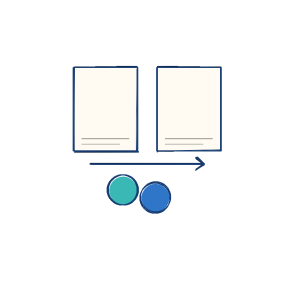
Order Value Optimization
WooCommerce, SureCart, Easy Digital Downloads, Memberpress and more. Optimize for revenue, not only clicks and views.

Analytics integrations
Tag users when they see a test and when they convert. Then you can view your funnel inside your analytics apps.
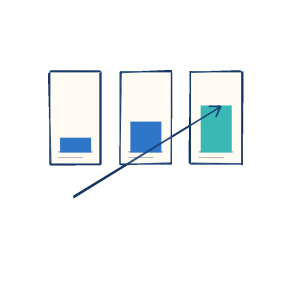
Dynamic Traffic Allocation: optimize traffic to the winning variation on the fly. Reduce visits to losing variations whilst maintaining significance.
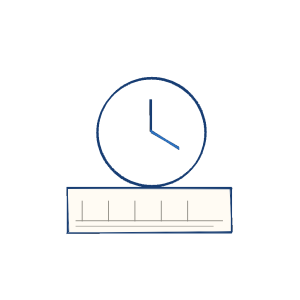
Test Time Remaining
Estimates based on incoming data how long it will take for your test to reach statistical significance.

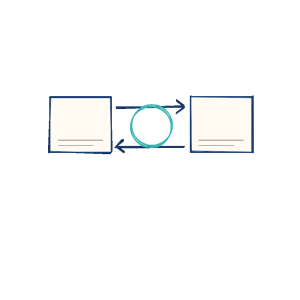
Webhooks
Send an HTTP POST whenever a test is created or completed, so your external systems stay in sync.
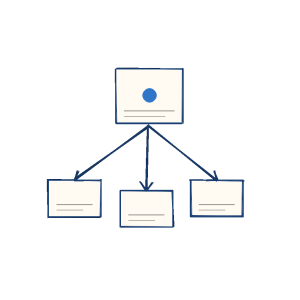
Link To Variation
Create your test, then generate direct links to each variation. You can also force specific visitors to view a particular variation.
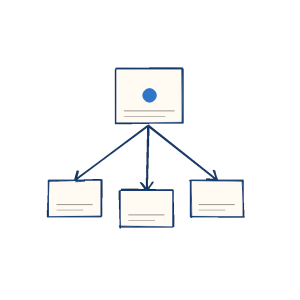
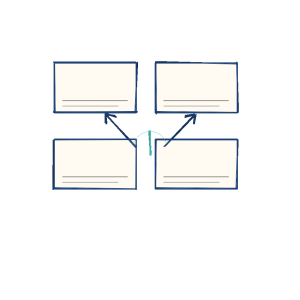
Test Ideas
Plan and prioritize your split tests. Score each idea by Impact, Reach, Confidence and Effort and the highest scores rise to the top.
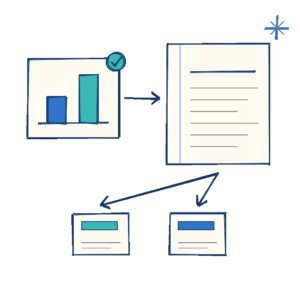
Continuous learning
Every finished test is recorded. AB Split Test finds why it won or lost and what to try next.

Session recordings
Watch real user sessions to see where visitors hit friction or get confused, which you'd never spot in the data alone.
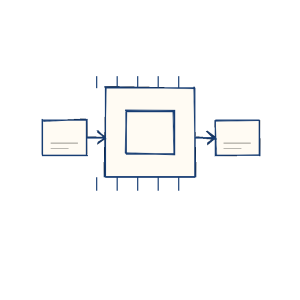
API/MCP/CLI
Control your A/B tests from AI assistants, CI/CD pipelines, or custom applications, so testing fits into the workflow you already have.
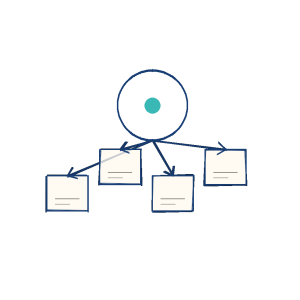
Cross-Domain Split Testing
Register an external domain, generate a lightweight tracking script, and serve the correct test variation to visitors on Shopify, HubSpot, or any external platform. Conversion events sync back to your WordPress dashboard automatically.

Cloudflare Workers Integration
Run full-page split tests at the network edge. Variations are served under your original URL with no redirect, flicker, or URL change, so your ads and SEO are unaffected.
Split Test Server
Run split tests on any platform and still control the data. Full-page, code and point-and-click tests, heatmaps and session replays, all from one snippet. Your own visual website optimizer.
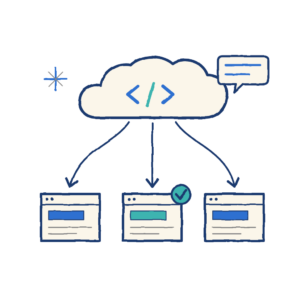
Auto-optimize
AB Split Test Cloud
A winning magic test builds its own next round. The winner becomes the control and AI writes new variations to beat it.
Split tests for sites that are not WordPress. Paste one script tag and let your AI agent run the tests. 100,000 MTUs free.
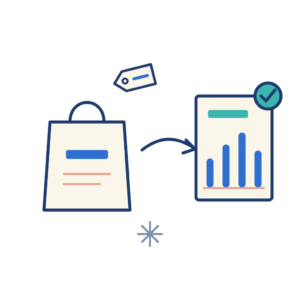
Auto-optimize
Shopify
A winning magic test builds its own next round. The winner becomes the control and AI writes new variations to beat it.
Test any Shopify theme with Cloud. A custom pixel sends each completed order, after discounts, to the variation the buyer saw.