
Form Submission Conversion Tracking
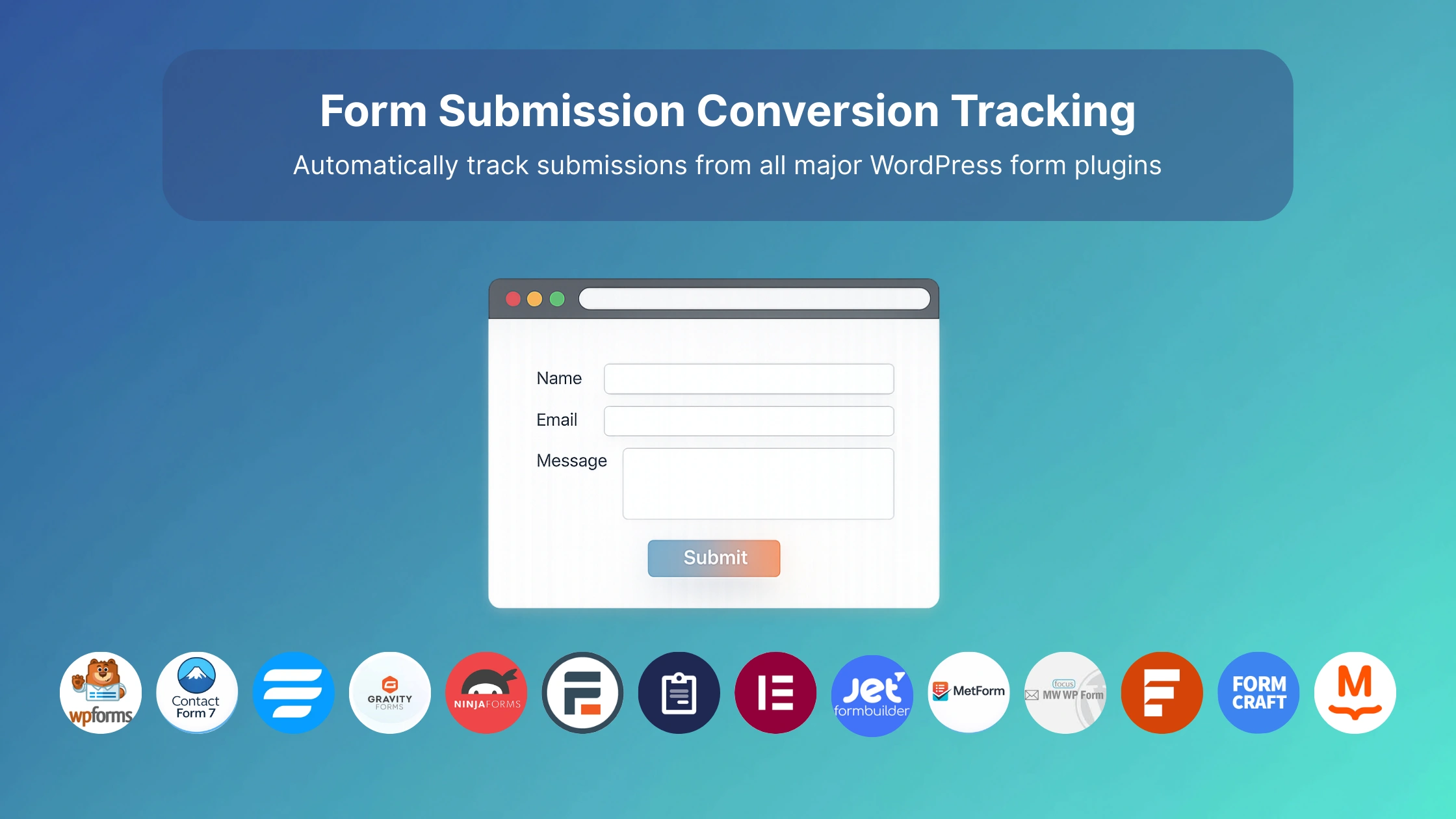
Track form submissions as conversions automatically. Works with all major WordPress form plugins.
How It Works
When you create a test, AB Split Test automatically detects which form plugins you have installed and adds them to your conversion goal options.
No setup required. No code. Just select the form and AB Split Test tracks submissions as conversions.
Supported Form Plugins
-
WPForms
-
Contact Form 7
-
Fluent Forms
-
Gravity Forms
-
Ninja Forms
-
Formidable Forms
-
Forminator
-
Elementor Pro Forms
-
JetFormBuilder
-
MetForm
- MailPoet
-
MW WP Form
-
SureForms
-
FormCraft
If you need support for a form plugin that's not listed, send us a message and we'll add it.
Set Up Form Tracking
- Go to AB Split Test > Add New Test
- Create your test
- Scroll to Conversion Goals
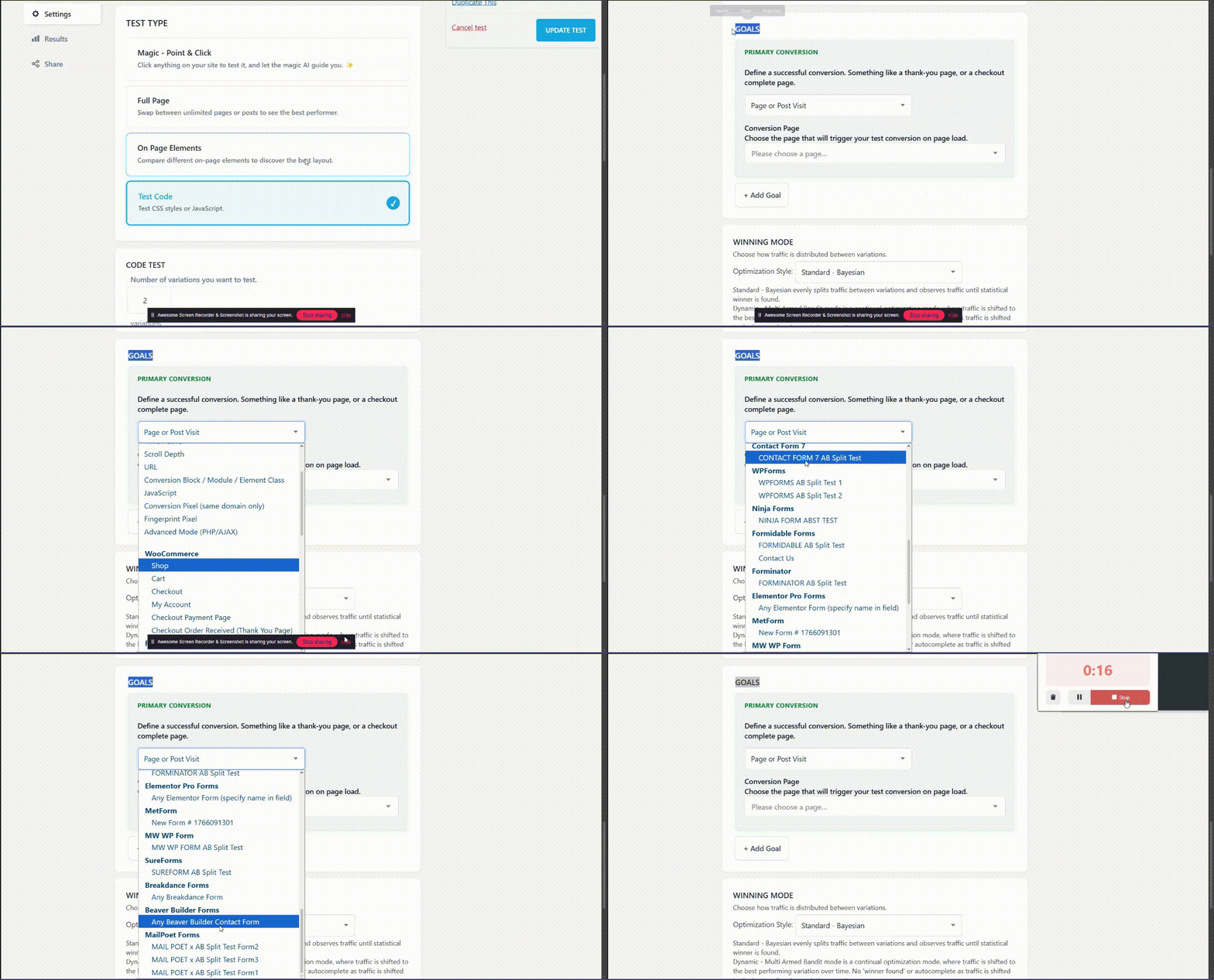
- Click the dropdown and you'll see your installed form plugins listed
- Select the form you want to track
- Save and start testing
That's it. Every time someone submits that form, it counts as a conversion for whichever variation they saw.
Example Use Case
You're testing two different headlines on your contact page. You want to see which headline gets more people to fill out the contact form.
- Create an On Page test
- Set up your two headline variations
- Set the conversion goal to your Contact Form
- Start the test
AB Split Test tracks which headline variation each visitor sees, and when they submit the form, it logs a conversion for that variation.