
How AB Split Test Handles Local & Staging Environments
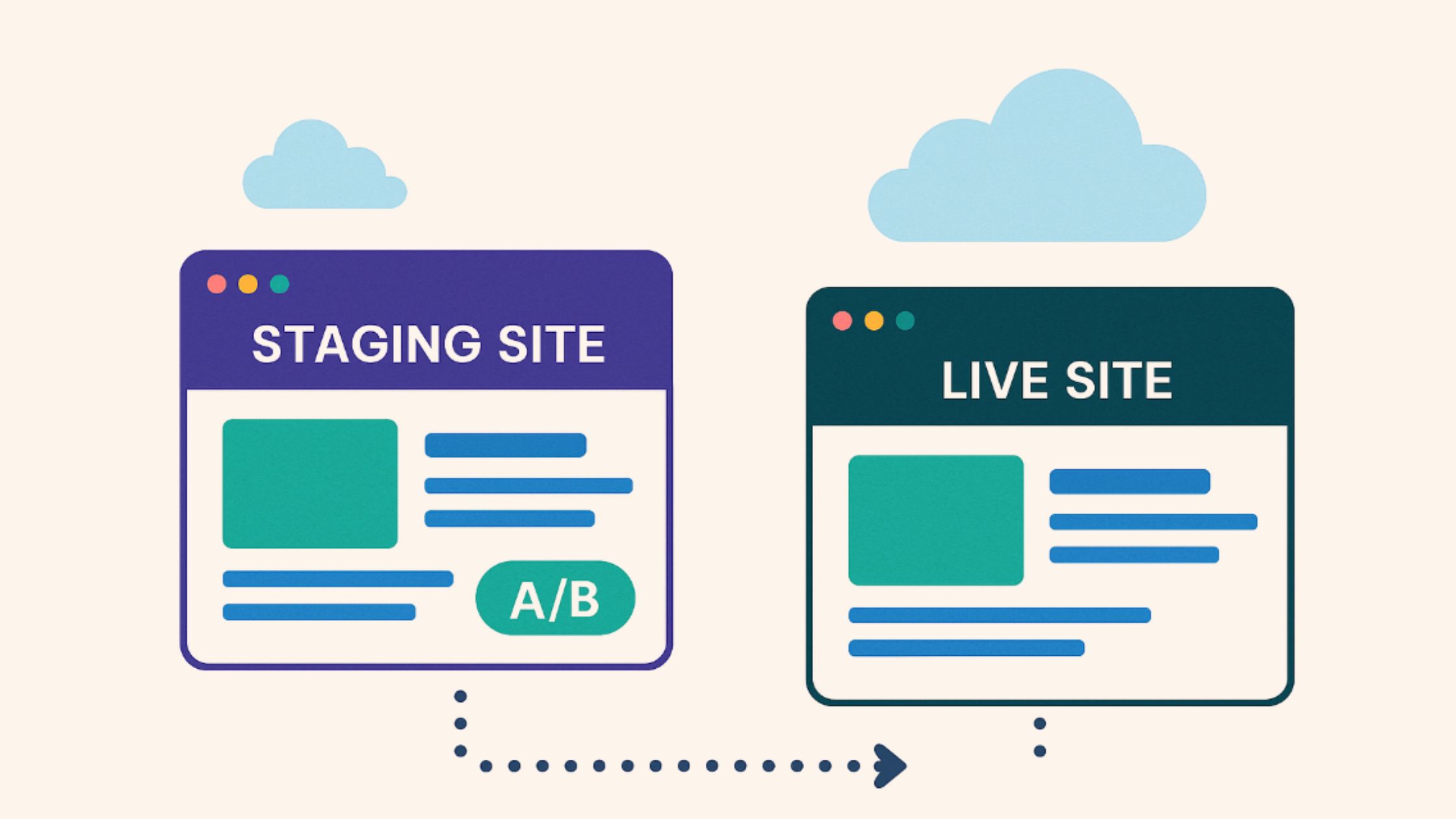
Does activating a license on a WordPress staging site affect your license count?
No. AB Split Test is built to recognize common staging setups.
Using AB Split Test on Staging Sites
When you’re setting up A/B tests, it’s common to want a safe space to experiment before pushing changes live. Whether you’re working locally or testing on a hosted staging environment, AB Split Test is designed to support these workflows without using up your license activation.
How It Works
Every AB Split Test licence covers a set number of live sites - one on Solo, unlimited on Teams.
But many sites also have a staging or development version. AB Split Test automatically detects and excludes these environments from license activation checks, so you can test freely without affecting your live setup.
Hosting Providers We Support
AB Split Test recognizes staging environments from many popular WordPress hosts, including:
- WP Engine
- InstaWP
- Cloudways
- Kinsta
- GoDaddy
- FlyWheel
- BlueHost
- HostGator
- SiteGround
- Pressable
- WordPress.com
- DreamHost
- BigScoots
These environments are handled automatically - no extra setup required.
Supported Subdomain Patterns
In addition to known hosts, AB Split Test also supports common subdomain formats often used for staging and QA environments:
*.staging.example.com*.test.example.comstaging-*.example.comdev.example.com
We also automatically ignore local development domains like:
example.localexample.testexample.localhost
These environments are fully supported and will not count toward your license activation.
Support for WP_ENVIRONMENT_TYPE
AB Split Test respects the WP_ENVIRONMENT_TYPE constant introduced in WordPress 5.5.
If your site defines this constant with values like staging, local, or development, AB Split Test will treat the site as non-production - regardless of the domain.define( 'WP_ENVIRONMENT_TYPE', 'staging' );
This is especially useful for developers or teams working across multiple environments.
Summary
| Environment Type | License Activation? |
|---|---|
Live site (example.com) | ✅ Yes |
Local domains (.local, .test) | ❌ No |
Common staging subdomains (staging., dev.) | ❌ No |
| Known host staging environments | ❌ No |
WP_ENVIRONMENT_TYPE = staging | ❌ No |
Moving tests between staging and production
License detection aside, you’ll also want to control which data moves when you sync a staging site to your live site.
AB Split Test stores your test configuration in the standard WordPress tables (wp_posts and wp_postmeta) and your results in its own custom tables. When pushing staging → production, sync your configuration but exclude the results tables so your live data isn’t overwritten:
wp_abst_results– visit/conversion totals, statistics and winners (recent versions)wp_abst_queue– incoming events awaiting aggregationwp_abst_fingerprints– per-visitor tracking log (Advanced/Fingerprint Tracking)
For the full breakdown, see Where AB Split Test Data is Stored in the WordPress Database.
How we decide a site is staging
Two things are checked when your licence activates, and either one is enough:- The WordPress environment type. If
wp_get_environment_type()returns anything other thanproduction- local, development or staging - the site is treated as non-production whatever its domain. - The domain itself, against a maintained list of local TLDs, staging subdomain patterns and known host staging domains. That list is refreshed automatically, so new hosts get picked up without you updating the plugin.
clientpreview.com, say - neither check will catch it. Define the environment type in wp-config.php and it will be handled correctly:
define( 'WP_ENVIRONMENT_TYPE', 'staging' );
Your staging site still shows in your account’s activation list, so you can see it. It just doesn’t use up a slot.