
On-page tests with Breakdance Builder
1. Click on New Test
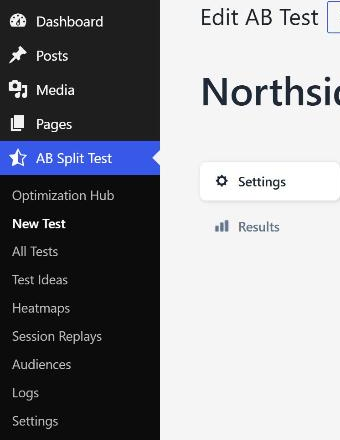
2. Give your test a name,
Internal only, remember this for later

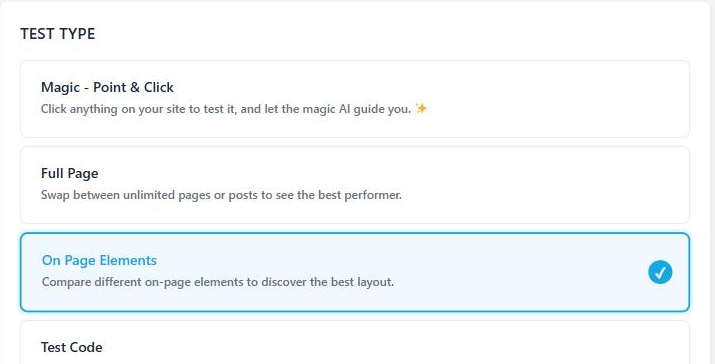
3. Choose On Page Elements test type
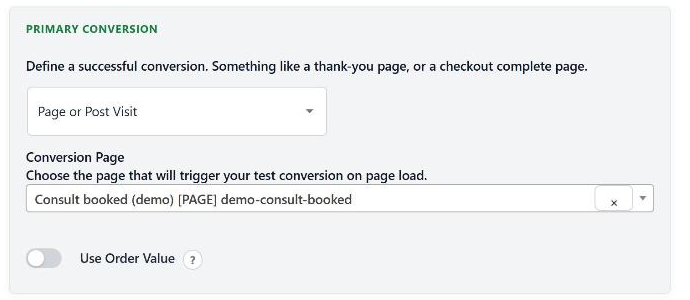
4. Choose a conversion event or goal
Can be a page visit, button click, JavaScript event or more
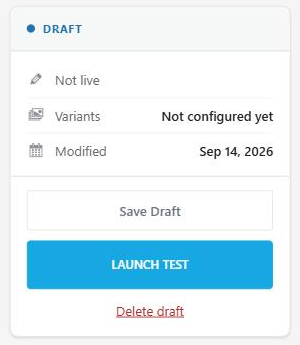
5. Start your Test
6. Open an existing or new page built with Breakdance
7. In Breakdance, select your element, row, section, DIV or anything
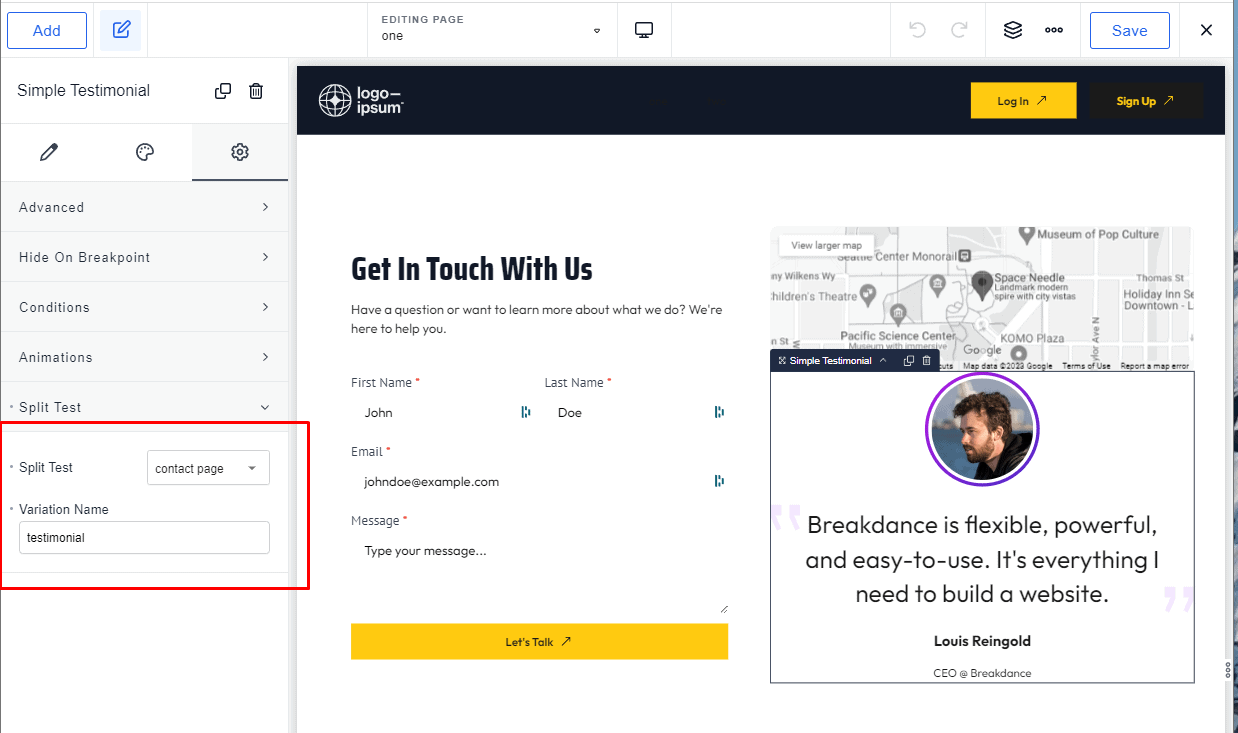
8. Open the Settings tab (gear icon) and find the Split Test section
9. In Split Test, choose the test you just created
10. In Variation Name, give this version a name
Build your alternate version and tag it the same way: same test, different variation name. Repeat steps 7 - 10 for as many variations as you need. A test needs at least two to run.
April 10, 2023 / /