
Agency Mode
Teams Included on the Teams plan. Not available on the Lite version. Upgrade →
The Agency Hub is available on Teams plans.
View your client test results from your own admin dashboard
- Choose a site to be the hub.
- Go to AB Split Test > Settings > Integrations, turn on Make this site an Agency Hub and save
- An Agency Hub page appears in the AB Split Test menu. You will add the site keys from your client sites there.
- Get Subsite Key
- Go to the client website that has AB Split Test installed
- Go to AB Split Test > Settings > Integrations > Share data to an Agency Hub and turn on Allow this site to be connected to an Agency Hub
- Copy the Site Key and save the settings (Regenerate Key makes a new one if you need it)
- Add to Hub
- Go to AB Split Test > Agency Hub and find the Add New Site form
- Paste the key into Site Key and, optionally, give the site a Label
- Click Add Site
- View Results in the Agency Hub
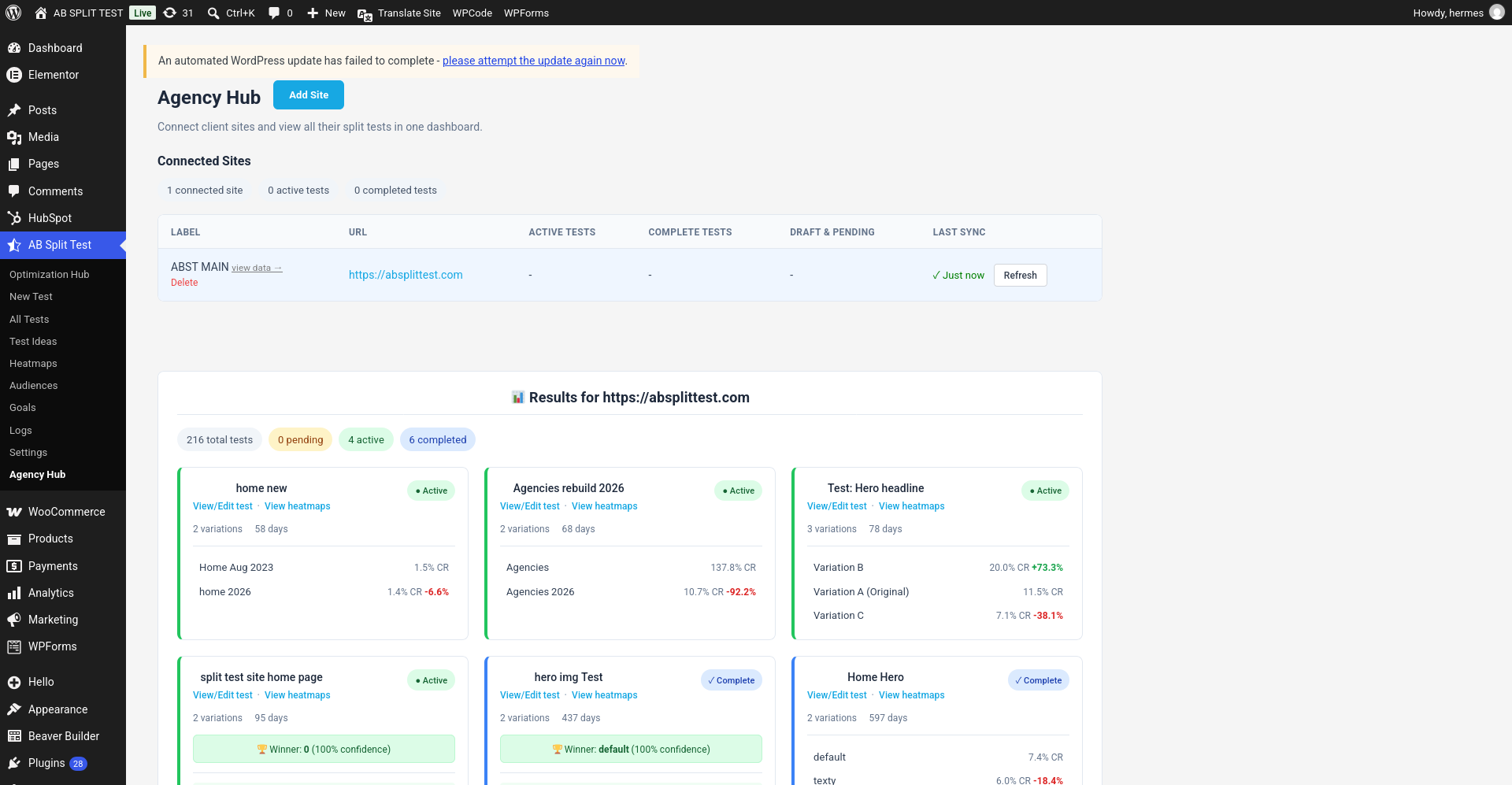
- Go to AB Split Test > Agency Hub
- View results for all your sites
June 11, 2025 / /