
Using WPForms with AB Split Test
Track WPForms form submissions as conversion goals in your split tests. Native support built in, no extra plugins, no custom code required.
How It Works
AB Split Test has native WPForms support built in since v2.4.1. When a visitor submits a WPForms form, the conversion is recorded automatically against the test variation they saw. This works for any WPForms form on your site: contact forms, lead generation forms, multi-step forms, and payment forms.
Setup Guide
Method 1: Form Submission Goal (Recommended)
-
Create a new test and give it a name
Go to AB Split Test > New Test and set up your test as normal. Choose your test type.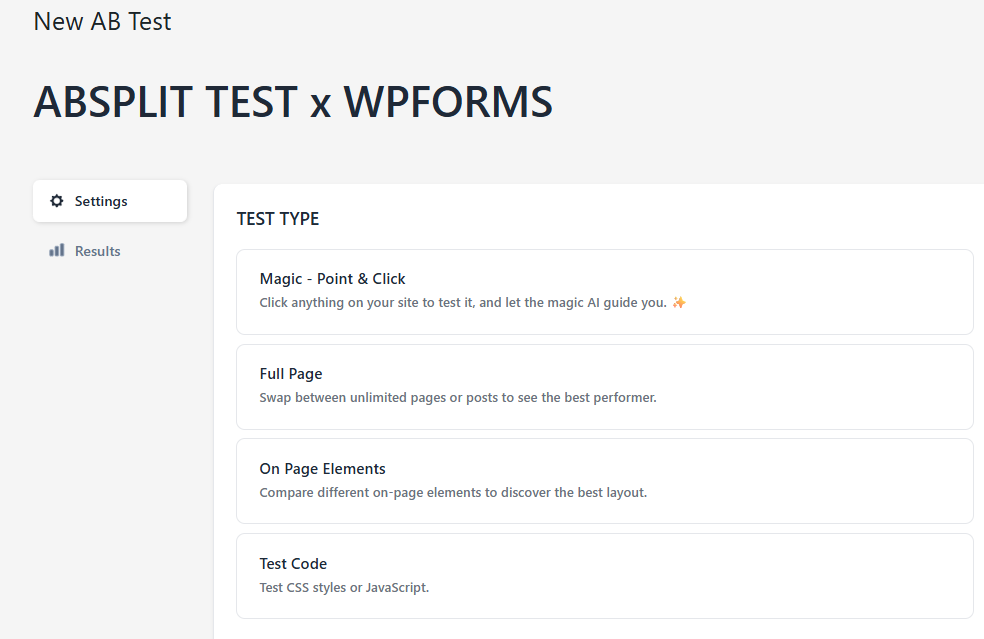
-
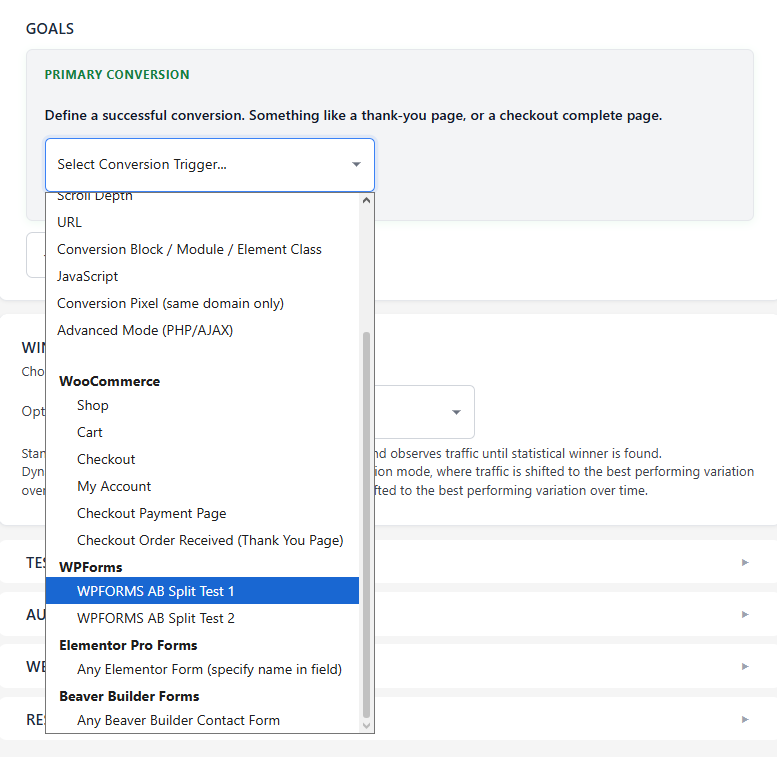
Choose your form
In the conversion goal dropdown, WPForms will appear as a supported form plugin in the list.
-
Save and start your test
Save the test. From this point, every WPForms submission will be recorded against the variation the visitor saw.
Frequently Asked Questions
Does this work with all WPForms form types?
Yes. The Form Submission goal works with any WPForms form including standard contact forms, multi-step forms, payment forms, and lead generation forms.
Can I track multiple WPForms forms in the same test?
Each conversion goal tracks one form at a time. If you want to track multiple forms, use the Text on Page method with a confirmation message that appears across all your forms, or set up subgoals to track secondary forms alongside your primary goal.
Does this work with WPForms Lite (free version)?
Yes. AB Split Test tracks WPForms form submissions regardless of whether you are using WPForms Lite or WPForms Pro.
What other form plugins does AB Split Test support?
AB Split Test natively supports WPForms, Contact Form 7, Gravity Forms, Ninja Forms, Formidable Forms, Fluent Forms, Elementor Forms, Bricks Forms, WS Form, Beaver Builder Forms, MailPoet Forms, and HubSpot Forms.