
All / Agency / Conversions
Conversion Value Optimization - WooCommerce & Surecart
Teams Included on the Teams plan. Not available on the Lite version. Upgrade →
Some call it Average Order Value optimization, some call it custom conversion values.
How it works
1. Create any test type you want. We don’t recommend updating an existing test with results, but you can if you want.
2. Choose Woo > Checkout Order Received (Thank You Page) or SureCart > Order Paid as the conversion page
3. Switch on Use Order Value
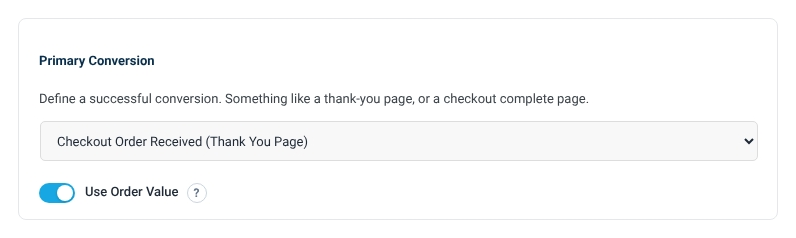
4. Save test
That’s it!
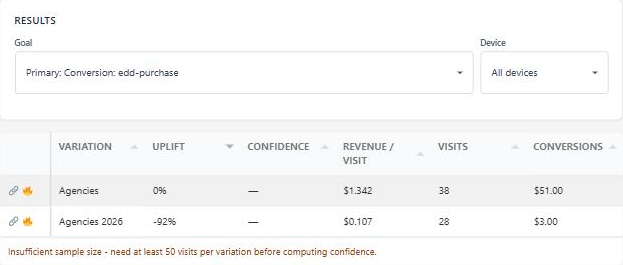
Your results will look a bit different after enabling AOV. It will show test revenue and Revenue per visit as the metrics. The Visits and Confidence data is the same.
Which orders count
Zero-value orders are ignored on order-value tests. Free downloads and 100%-off coupons used to be recorded as $1 and marked the visitor as converted, which also lost their later paid order. Conversion-count tests still count them.
Formats are read properly, including “$49.00”, “1,234.56” and “12,50”.
With Multi-Armed Bandit on, traffic follows revenue per visitor rather than order count, and the leader’s share grows gradually until the variation with the fewest orders reaches 100, so one large order cannot take over the test.