
View and Edit your AB Split Tests
AB Split Test is designed to be "set and forget" So after you visit this page, you shouldn't need to return.
The below guide shows you everything you need to know to finely control how your AB Split test runs.
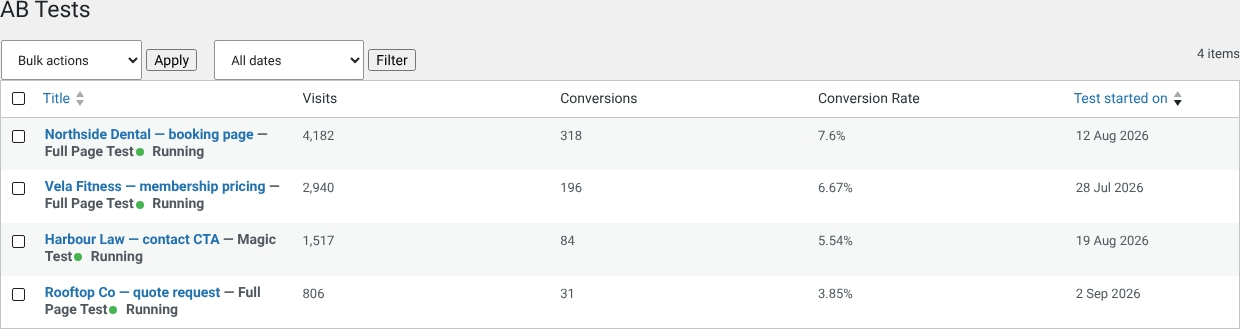
Below screenshot is a detailed description of each setting.
Status
Open your test and click the Results pill. The status panel at the top gives you a quick insight into the status of your AB Split Test.
It will tell you:
- Why the AB test is not yet complete
- When a test is complete
Results Area
The specific results for each variation for your test. Above the table you'll find an AI summary of the results (when AI is turned on) and a Share report box with a link you can send to anyone.
"Restart Test", at the bottom of the Settings tab, resets everything back to 0: type DELETE in the box and click Clear Results & Restart Test. Useful for if you change a few variations and want to start the test fresh.
Settings
Click the Settings pill to view and update your test settings. Tests that started as an idea also have an Idea pill with the original hypothesis.