Test Ideas
Teams Included on the Teams plan. Not available on the Lite version. Upgrade →
What is Test Ideas?
Test Ideas is a built-in prioritization area inside AB Split Test where you can capture, score, and organize your optimization ideas before turning them into live tests.
It keeps your CRO backlog in one place and makes sure the highest-value ideas always run first.

Why prioritization matters
Most teams run tests based on gut feel or whoever shouted loudest in the last meeting. The problem is that interesting ideas are not always high-value ideas.
Test Ideas gives you a structured way to score every idea before you commit to running it. The result is a backlog sorted by what will actually move the needle.
Adding a test idea
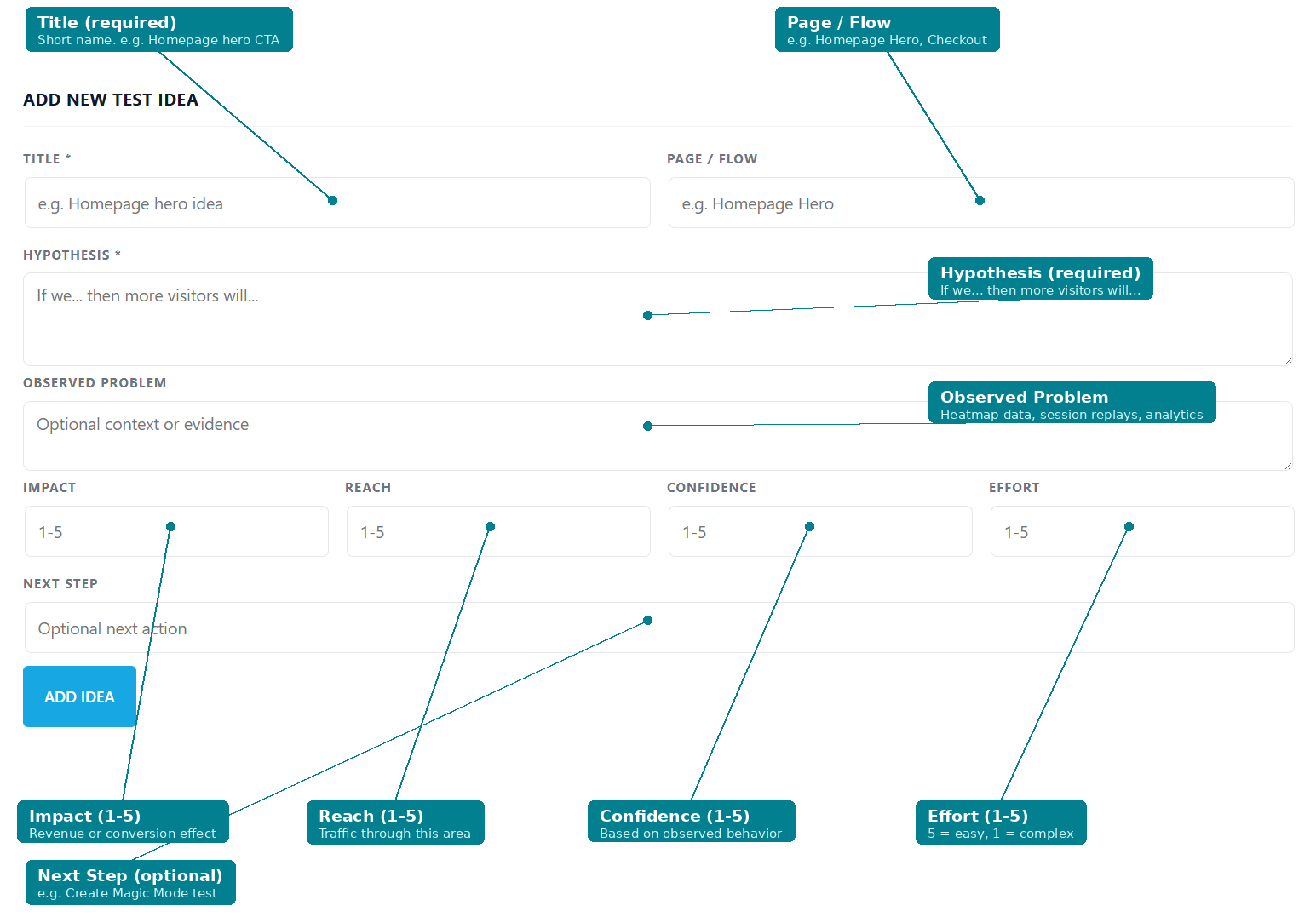
Each idea has the following fields:
Title (required) A short name for the idea. e.g. Homepage hero CTA.
Page / Flow The page or funnel area the idea applies to. e.g. Homepage Hero, Pricing Page, Checkout.
Hypothesis (required) Written as: If we... then more visitors will...
Observed Problem The evidence behind the idea. Heatmap findings, session replay observations, support logs, analytics drop-off data.
Impact (1 to 5) If this test wins, does it materially affect revenue, leads, or downstream conversion?
Reach (1 to 5) How much high-intent traffic flows through this area?
Confidence (1 to 5) Is the hypothesis grounded in observed user behavior rather than opinion?
Effort (1 to 5) How quickly can you ship a clean test? Scored in reverse: 5 = very easy and fast, 1 = complex, slow, or risky.
Next Step Optional. Notes on what to do when you are ready to run this idea.
Only Title and Hypothesis are required. The ICE score appears once all four rating fields are filled.
How the ICE score is calculated
Formula: Impact + Reach + Confidence + (6 - Effort)
Effort is subtracted from 6 so that low-effort ideas score higher. The result is that fast, high-impact ideas naturally rise to the top of your list.
Turning an idea into a test
When an idea is ready to run, click Build test next to it in the Test Ideas list. The idea's page opens in a new tab with the Magic Bar, and the idea details are passed to ChatCRO so it can suggest what to test and the variation copy.

Where ideas come from
Good ideas come from real evidence. The most reliable sources are:
- Heatmaps and click maps showing ignored CTAs or missed elements
- Session replays revealing hesitation, rage clicks, or abandonment
- Live chat logs surfacing repeated objections or confusion
- Analytics showing where high-intent traffic drops off
- CROAssist AI suggestions based on your actual pages
Only once you know why visitors are not converting should you decide what to test.
Where Test Ideas is available
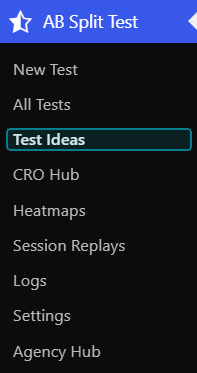
Test Ideas is accessible from the AB Split Test admin dashboard under AB Split Test > Test Ideas.
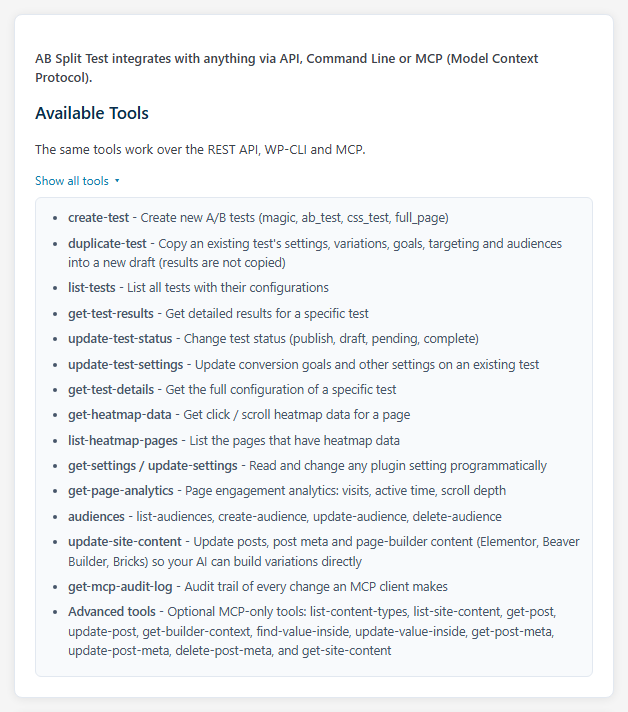
Ideas and scores are also available via the REST API, WP-CLI, and MCP for teams managing tests programmatically.