AB Split Test Conversions – Updated Guide

AB Split Test currently supports 12 conversion (goal) types, offering flexible ways to track user actions. From simple page visits to custom code triggers.

  1. Page or Post Visit

  2. Text on Page

  3. Element Click

  4. Link Click

  5. Time Active

  6. Scroll Depth

  7. URL

  8. Conversion Block / Module / Element Class

  9. JavaScript

  10. Conversion Pixel (same domain only)

  11. Fingerprint Pixel

  12. Advanced Mode (PHP/AJAX)

PAGE OR POST VISIT

Select a Page from the dropdown that will trigger a conversion in the same way as the URL conversion method.
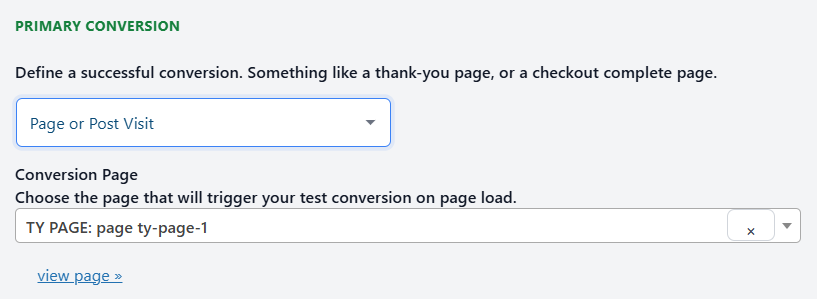
A dropdown labeled "Page or Post Visit" is selected, with "TY PAGE: page ty-page-1" entered as the conversion page. "view page" is a clickable link below.

URL 

The URL Visit goal triggers a conversion when a specific URL path on your own site (e.g. /checkout/thank-you/) is visited. It’s useful for tracking dynamic or custom URLs not listed in the Page dropdown, but it won’t work with external sites like Calendly or YouTube.
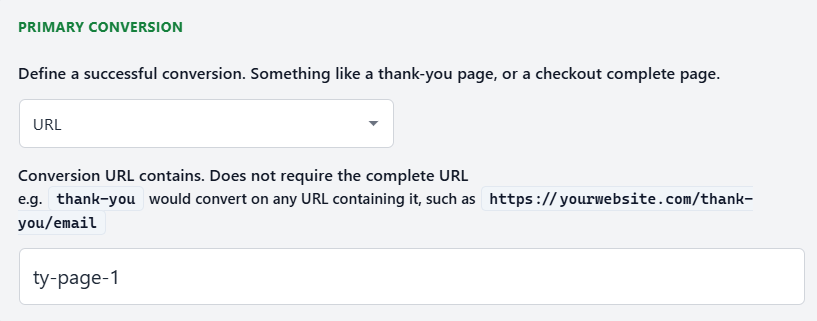
A form specifies a conversion URL for a thank-you page, with a sample input "ty-page-1" in the text field under "PRIMARY CONVERSION.

TEXT ON PAGE

Text on Page is a conversion goal type that triggers when a specific piece of text appears on the page—usually as part of a confirmation or thank-you message after a form is submitted, a booking is completed, or a purchase goes through.
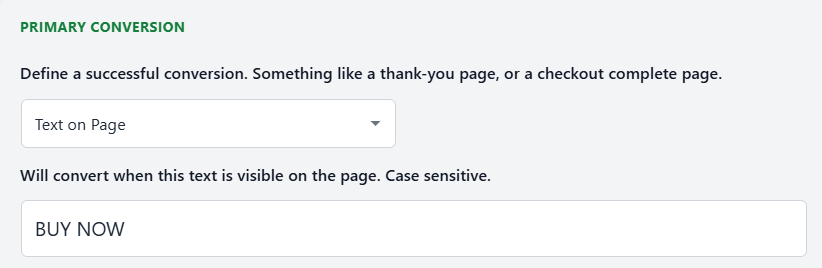
Screenshot of a web interface setting where "BUY NOW" is entered as the text that triggers a primary conversion when visible on the page.

ELEMENT CLICK

A super flexible conversion selector used to track when a user clicks on a button or any other element using CSS selectors.

You can define a click of any element with CSS selectors you can think of. More information on all the options here

  • Element with an ID
    Use the # operator
    Example: #mybutton

  • Element with a class
    Use the . operator
    Example: .mybutton

  • Link pointing to an external URL
    Use an attribute selector
    Example: a[href*='yoururl']

A web interface for defining a primary conversion, with a dropdown menu, instructions, and an input field labeled “#yourthing.”.

Advanced Mode:
To trigger a conversion on an event other than click, use advanced mode by adding a pipe | and the event type.
Example: #buy|mousedown
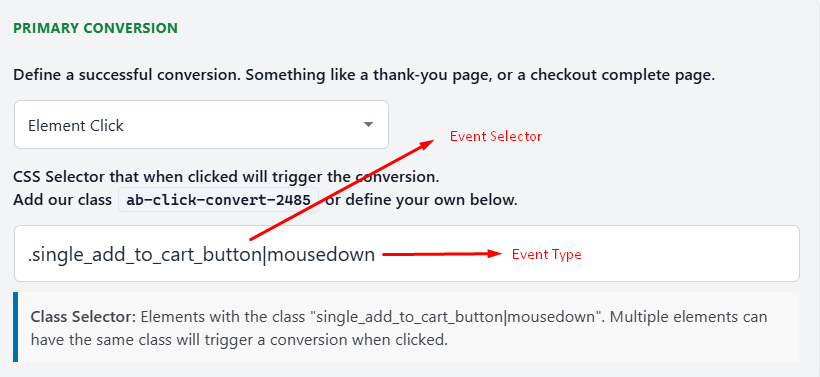
A dropdown menu for selecting conversion events is shown. Arrows label "Event Selector" pointing to a menu, and "Event Type" pointing to an input field with a CSS selector.

LINK CLICK

Link Click conversion tracks when someone clicks a specific URL on your page. Works with external or internal links.
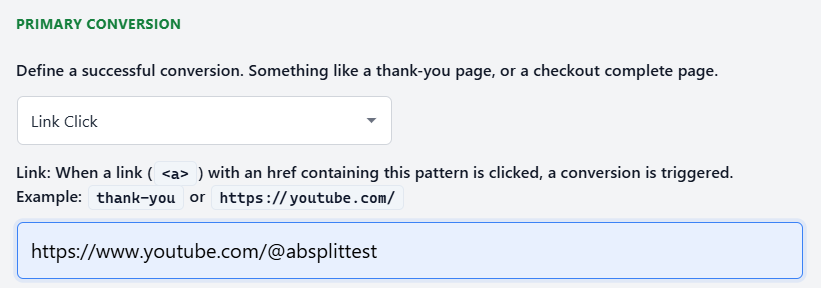
Screenshot showing a configuration for primary conversion, set to trigger on link clicks matching the pattern "https://www.youtube.com/@absplittest".

SCROLL DEPTH

Fires a conversion when a visitor reaches a set percentage of page height (e.g., 50%, 75%, 90%). Good for measuring content engagement on long pages.
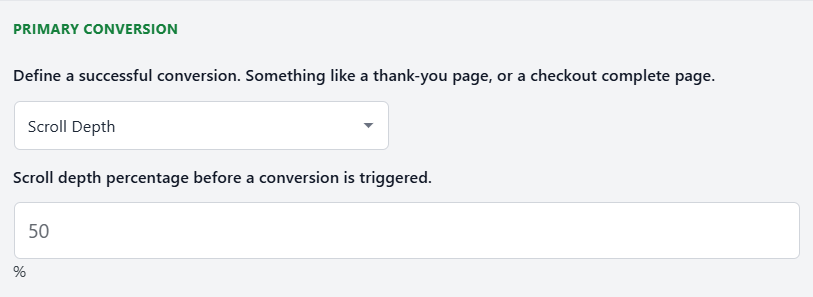
A form section titled "PRIMARY CONVERSION" with fields to define a conversion event by scroll depth percentage, default value set to 50%.

TIME ACTIVE

Fires after a user has been actively engaging (scrolling, moving, tapping) for a set number of seconds (e.g. 30s). Great for engagement-based conversions.
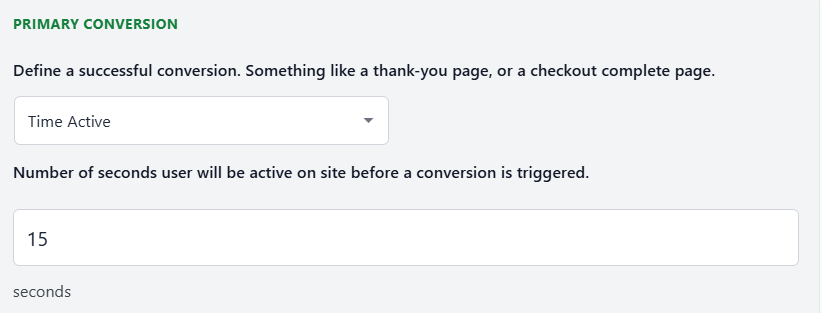
A form section labeled "Primary Conversion" with a dropdown set to "Time Active" and an input field showing 15 seconds for user activity before conversion is triggered.

CONVERSION BLOCK / MODULE / ELEMENT CLASS

Automatically trigger conversion when a specific CSS class (e.g. ab-123 ab-convert) appears on the page. Useful for template or code-driven triggers.
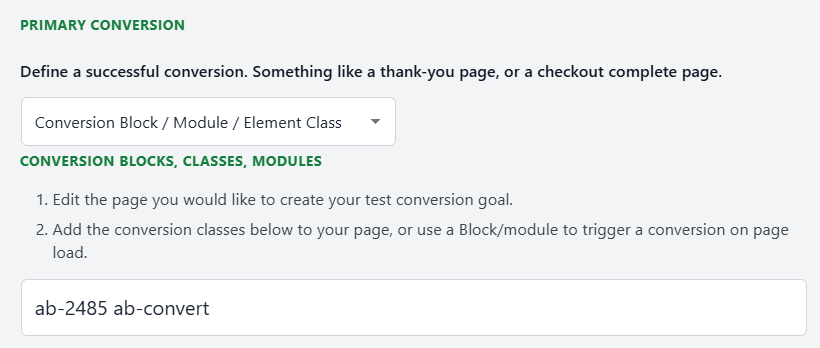
A form prompting users to define a successful conversion by selecting a block, class, or module and entering a conversion class such as "ab-2485 ab-convert.

JAVASCRIPT

The JavaScript conversion method is an advanced method for coders.

The function abstConvert(TestId) is all you need to trigger a conversion with JavaScript.

You'll need a few things for this to work.

  • Wait until document.ready to fire a conversion.
  • You need the Test ID.

Conversion Value

On Agency plans and above, you can include an order value with your conversion.

abstConvert(TestId, orderValue);

If you want to fire a conversion on an external URL page, we recommend using the Conversion Pixel Conversion.

You can see the prefilled script with the ID included by selecting the JavaScript Conversion method.
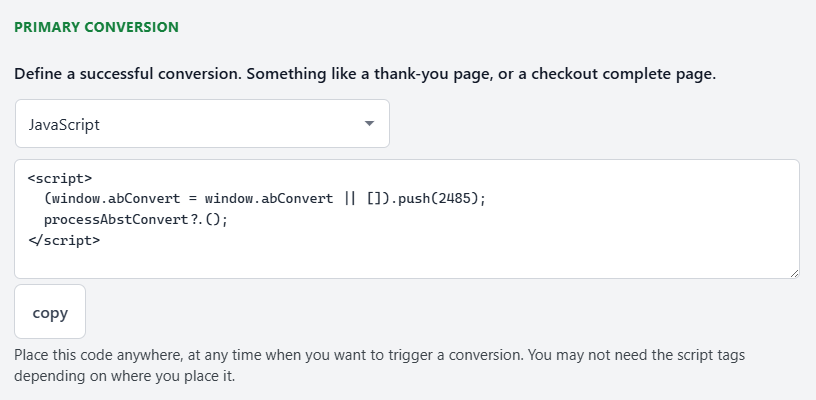
Screenshot of a web interface prompting users to define a successful conversion using JavaScript, showing a code snippet and a "copy" button below it.

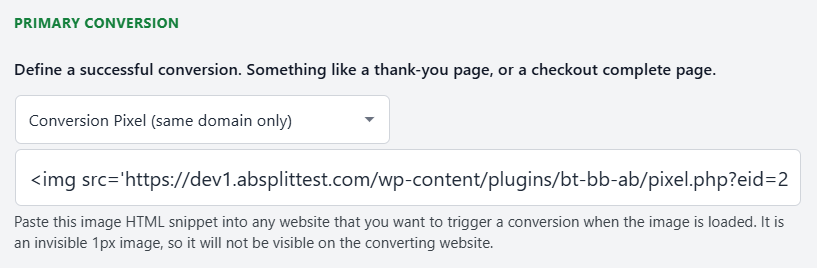
Conversion Pixel

The new Conversion Pixel is the current method for tracking conversions from external pages. It works by loading a tiny invisible image that records the conversion when the page is viewed. You can use it on subdomains you control, and it can trigger a conversion for a specific test or for all active tests by using eid=all. It also supports dynamic loading in single page apps by injecting the tracking image via JavaScript.

Because of modern browser privacy rules, the pixel only works reliably on subdomains of your own site. It cannot track conversions across completely different domains, so third-party hosted checkouts on another domain cannot be tracked with the pixel.

A webpage section displays a dropdown for selecting a conversion pixel type and a field showing HTML code for an image pixel used to track conversions.

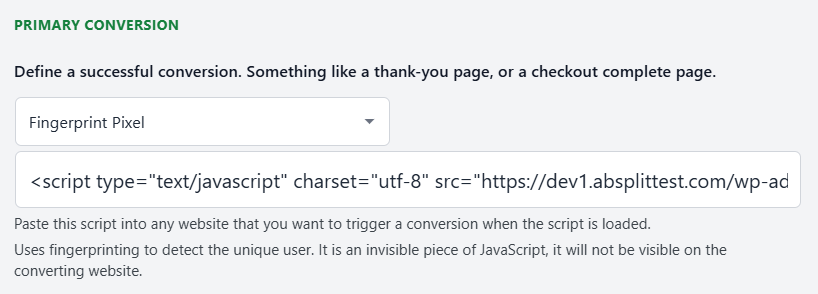
Fingerprint Pixel

Fingerprinting lets AB Split Test track conversions that happen on external domains, even when a user leaves your site. It works by creating a unique ID for each visitor based on their browser, device, and IP. When the visitor converts on another site using the fingerprint script, the plugin can match that conversion back to the correct test variation.

It’s useful when you want cross-domain attribution, such as tracking actions on partner sites or hosted checkouts. The trade-offs are that fingerprints can occasionally collide on similar devices, and storing all fingerprint data increases database size over time.

A web interface showing a dropdown labeled "PRIMARY CONVERSION" with "Fingerprint Pixel" selected and a JavaScript code snippet displayed below for website integration.

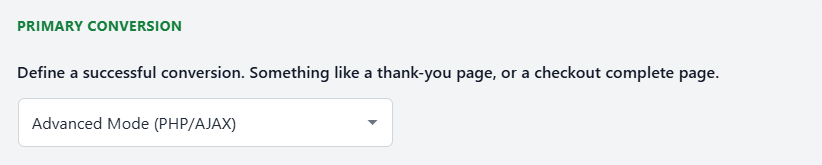
PHP / AJAX

PHP and AJAX conversions allow your site to trigger a conversion programmatically, without needing a thank-you page, pixel, or JavaScript event. Instead, your server calls AB Split Test’s internal conversion endpoint directly, passing the test ID (and optional order value).

Website interface showing a "Primary Conversion" section with a definition and a dropdown menu set to "Advanced Mode (PHP/AJAX)".

Leave a Comment

You must be logged in to post a comment.