
Add Canonical links to split test page variations
Teams Included on the Teams plan. Not available on the Lite version. Upgrade →
It is good SEO practice to add a canonical link to your Full page test variation pages. This is helpful for Google and general SEO optimization, see our full article here.
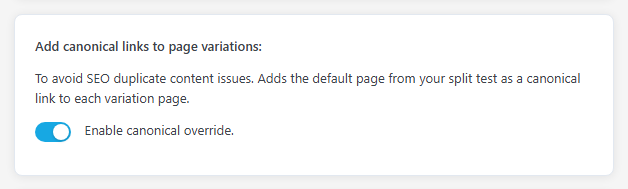
Instead of adding your own canonical links to every test variation page, you can check this setting in your WordPress admin and it will be applied automatically for you. Each variation page gets a canonical link to your original page. If you have set a custom canonical URL on the original page in Yoast, Rank Math, SEOPress or All in One SEO, that URL is used instead.
AB Split Test > Settings > Testing > Add canonical links to page variations > Enable canonical override.
Note
Canonical links are only applied to active test variation pages.
After your test is completed and removed, the canonical links are removed. In general you should hide these pages or manually add canonical URL’s to them using your SEO plugin of choice.