
How to install the AB Split Test in your WordPress website
To install the AB Split Test plugin, first save a copy of the AB Split Test plugin .zip file somewhere on your computer.
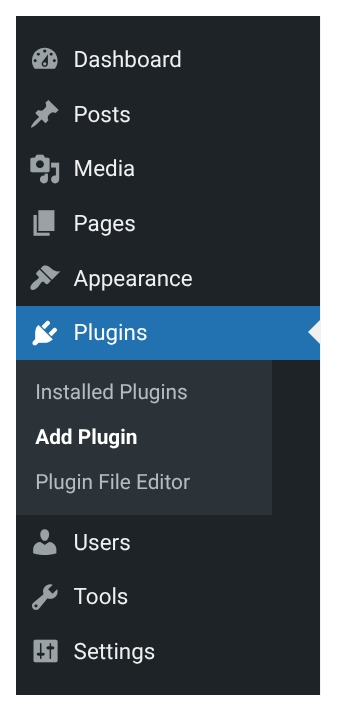
Then go to your WordPress admin area and click ‘Plugins’:
Click the ‘Add New Plugin’ button:
Click ‘Upload Plugin’:
Then find the AB Split Test plugin .zip file that you saved earlier by clicking the ‘Choose File’ button, then click ‘Install Now’:

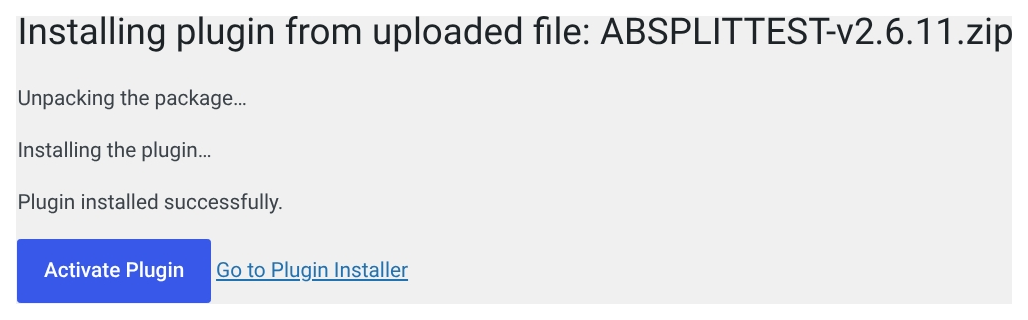
Finally, click on ‘Activate Plugin’ to make the plugin active:
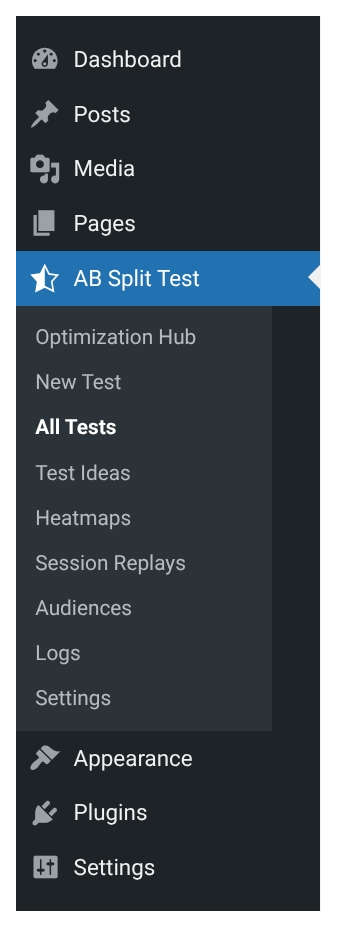
You’ll know that you’ve successfully installed the AB Split Test plugin if you can see the plugin menu on the left:
August 23, 2021 / /