
Public Reports: Share Test Results Without a Login
Teams Included on the Teams plan. Not available on the Lite version. Upgrade →
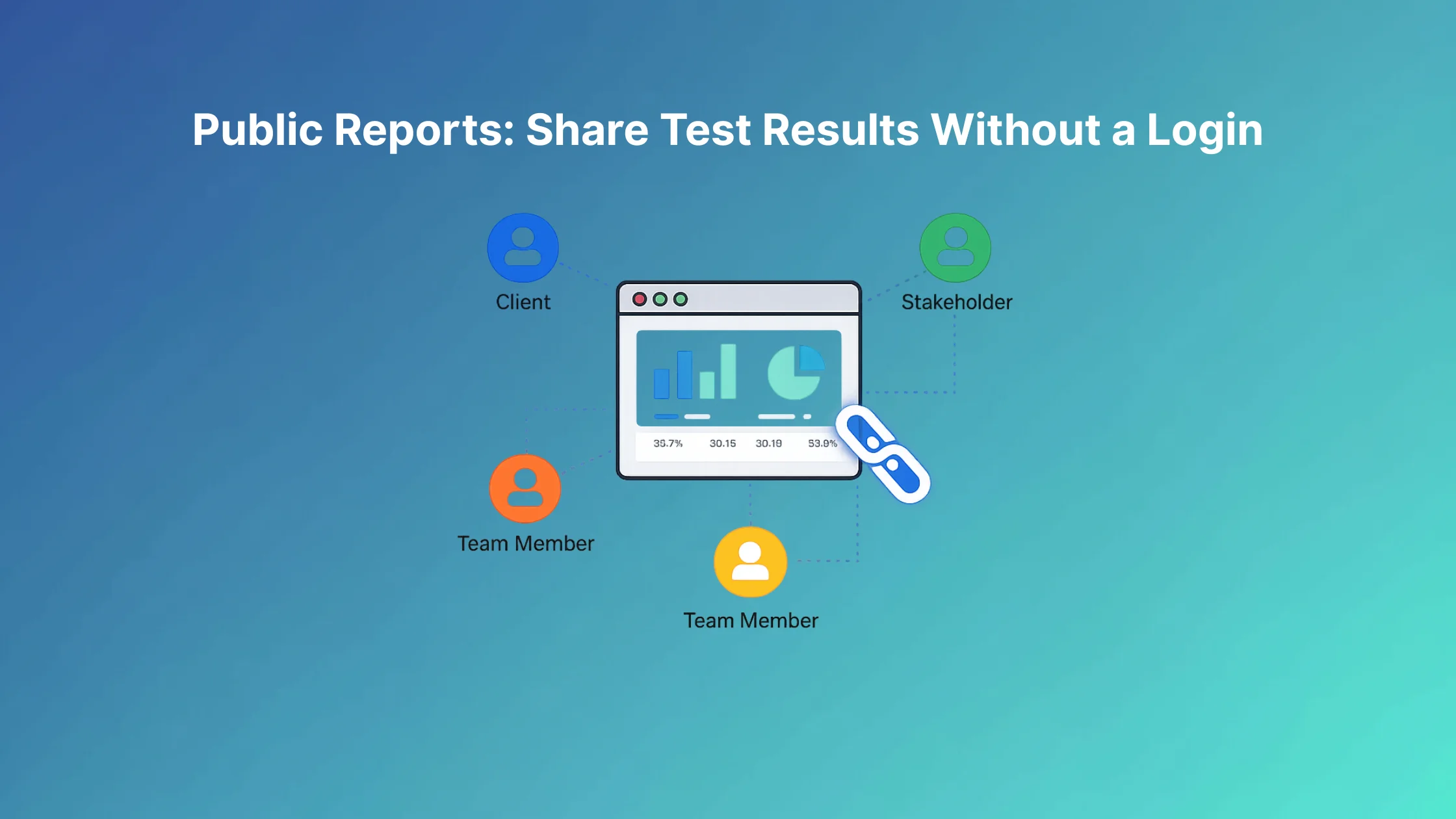
Share your A/B test results with clients, bosses, or stakeholders. No WordPress login required.
How It Works
Public Reports lets you generate a secure, shareable link for any test. Anyone with the link can view the results, even if they don't have access to your WordPress site.
Generate a Public Report
- Go to AB Split Test > All Tests
- Open any test
- Click the Share tab
You'll get a unique URL that's impossible to guess. Copy and share it with anyone.
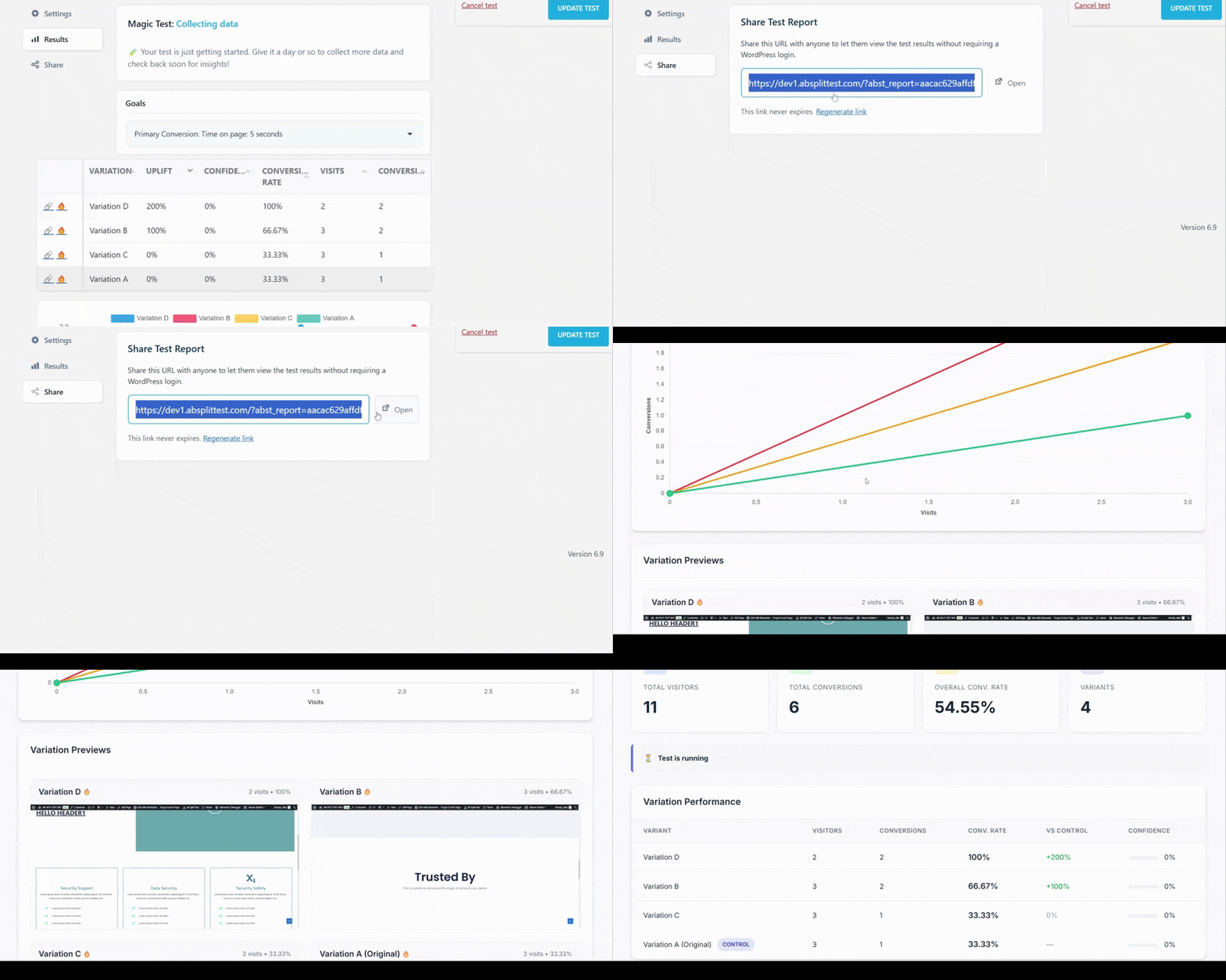
What They'll See
The public report shows:
- All test statistics
- Primary goal and sub goals
- Preview of each variation so everyone understands which version is which
Manage Your Links
You can revoke access at any time. Just go back to the Share tab and click Regenerate Link. The old link stops working immediately.
Want to share again later? Generate a new link. Each test can have one active public link at a time.
No more creating PDFs, exporting screenshots, or writing up reports. Just share the link and everyone sees the same live data.
Perfect for:
- Showing results to clients who don't need WordPress access
- Sharing with stakeholders or decision makers
- Communicating with team members outside your organization