
Test Types: Which One Should You Choose?
AB Split Test has five test types. They all measure the same thing, which version gets more conversions, but they differ in what you change and where you build it. This guide helps you pick one.
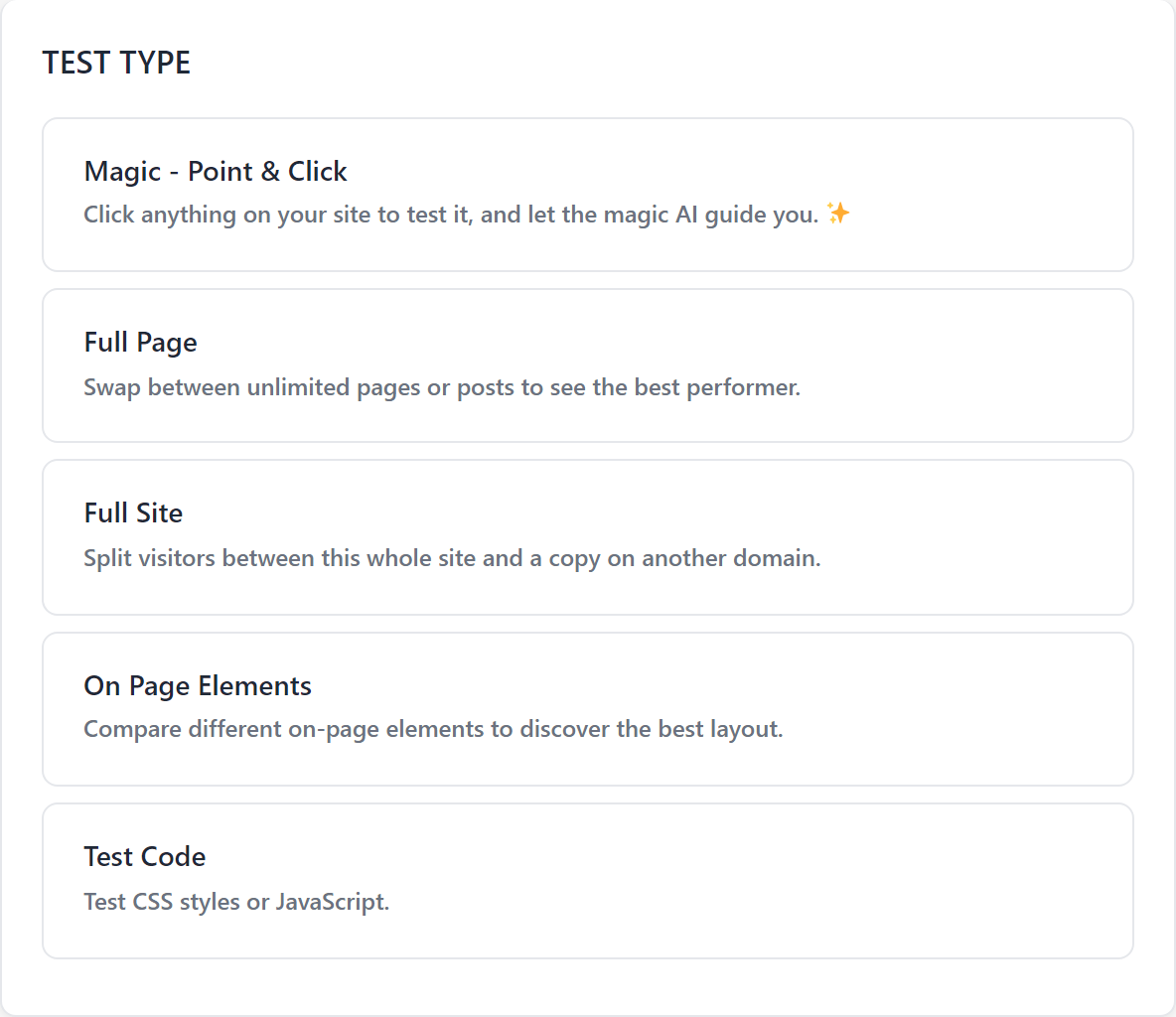
Quick answer
| You want to test | Use |
|---|---|
| A headline, button, image or section, without rebuilding the page | Magic |
| Two versions of a section you build in your page builder | On Page Elements |
| One whole page against another page | Full Page |
| Your whole site against a redesign or rebuild on another domain | Full Site (beta) |
| A CSS or JavaScript change | Test Code |
If you are not sure, start with Magic. It is the fastest to set up and covers most tests.
Magic: point and click
Open any page, click the thing you want to change, and type the new version. AI can suggest variations for you. The editor opens on the page itself, with the element you picked outlined and its settings in the panel on the right.
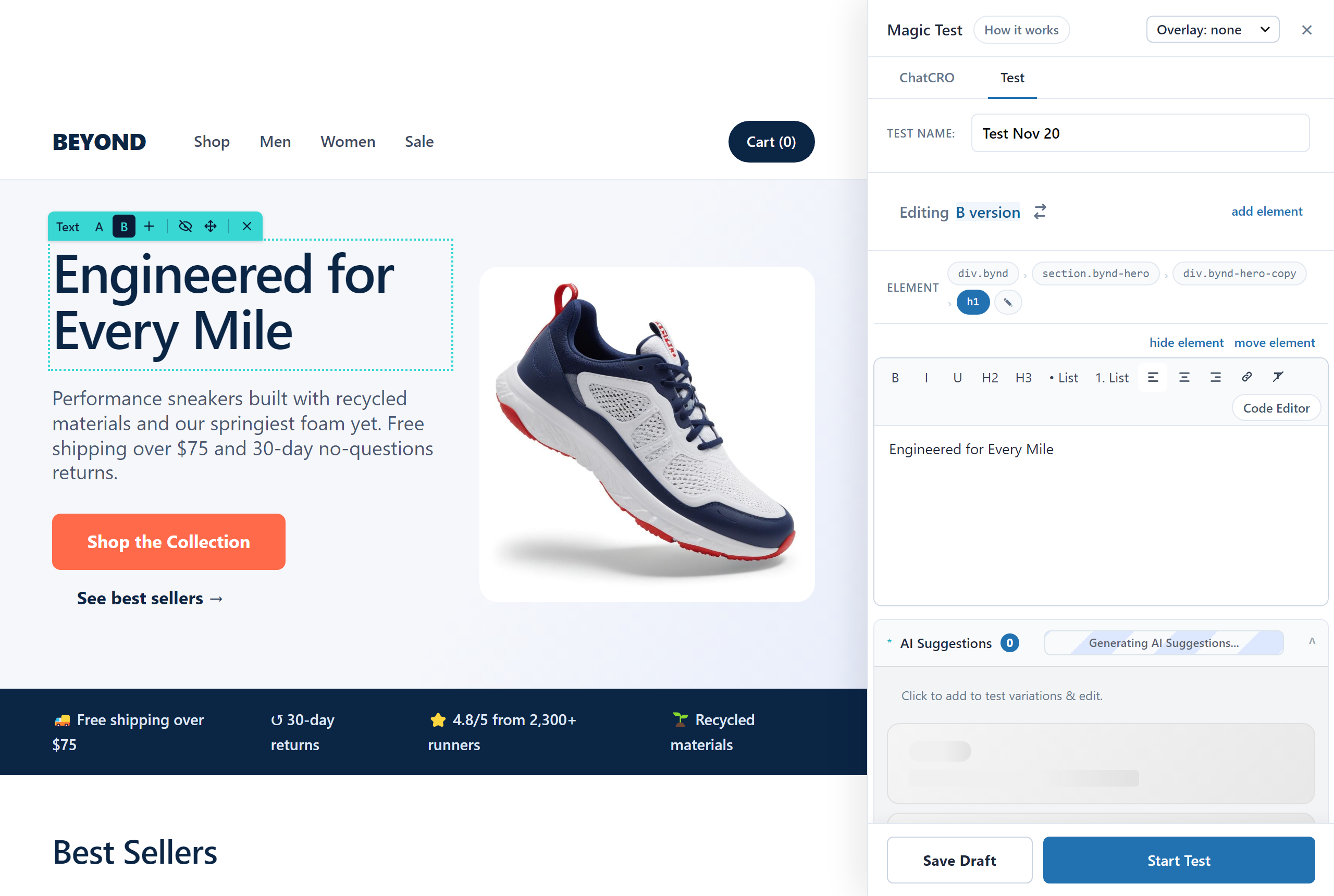
Choose it when
- You want to change text, an image, a button or a link
- You want to hide, move or restyle an element, or insert a new one
- You do not want to open a page builder
Not the best fit when the two versions have very different layouts. Build those as On Page Elements or as separate pages.
Guide: Magic Mode: point-and-click tests
On Page Elements: built in your page builder
Build each version as its own block, module or section, and mark them as variations of the same test. Visitors see one of them. Works with the block editor, Elementor, Beaver Builder, Bricks, Breakdance, Oxygen and others.
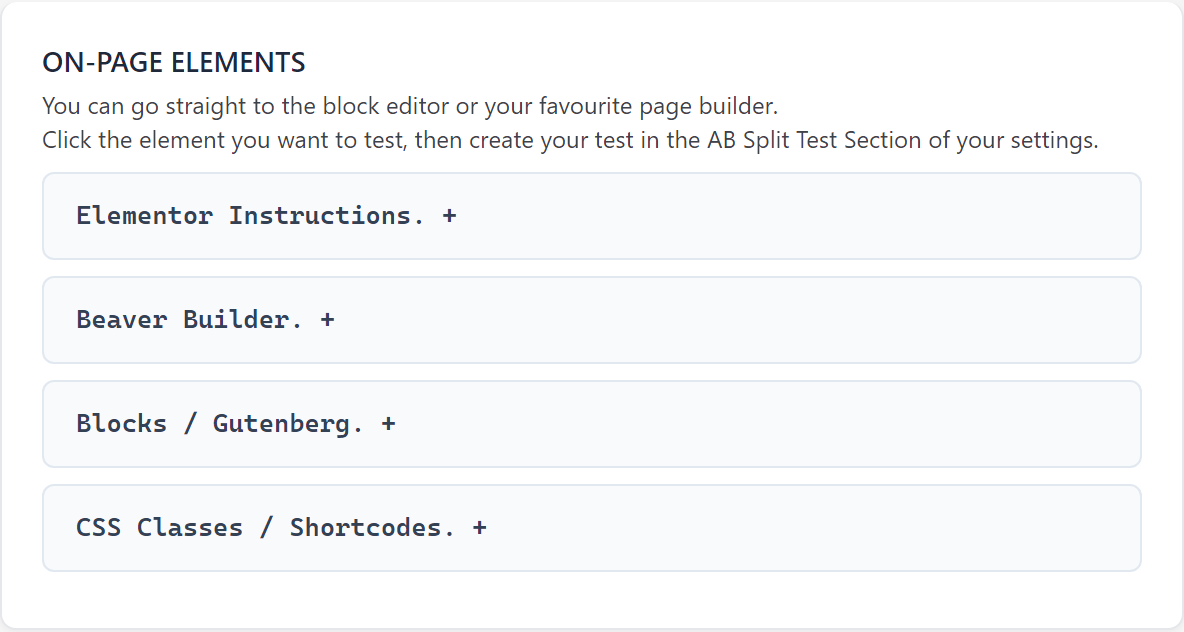
Choose it when
- The versions are different enough that you want to design each one properly
- You want to test a whole section, such as a hero, a pricing table or a form
- You are comfortable in your page builder
Good to know: every version stays in the page after the test ends. When you complete the test, tick “Forward all traffic to one variation” to keep showing the winner, or remove the losing blocks.
Guide: Setting up an AB Split Test in just a few minutes
Full Page: one page against another
Pick the page where the test begins and one or more other pages to compare it with. Visitors who are given a variation are sent to that page.
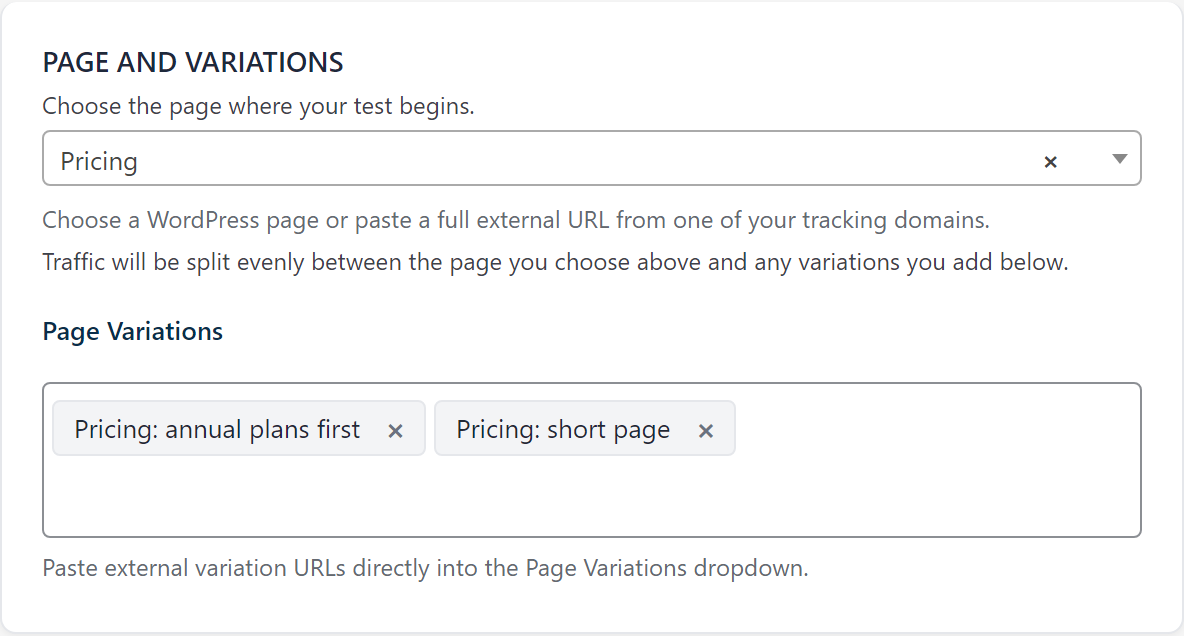
Choose it when
- You have two complete versions of a landing page
- The redesign is too big to build as variations inside one page
- One version lives on another domain or platform. See External URL Testing
Not the best fit when you only want to change one or two elements. Magic is quicker and needs no second page.
Guide: How to Set Up a Full Page Split Test
Full Site: your whole site against a copy (beta)
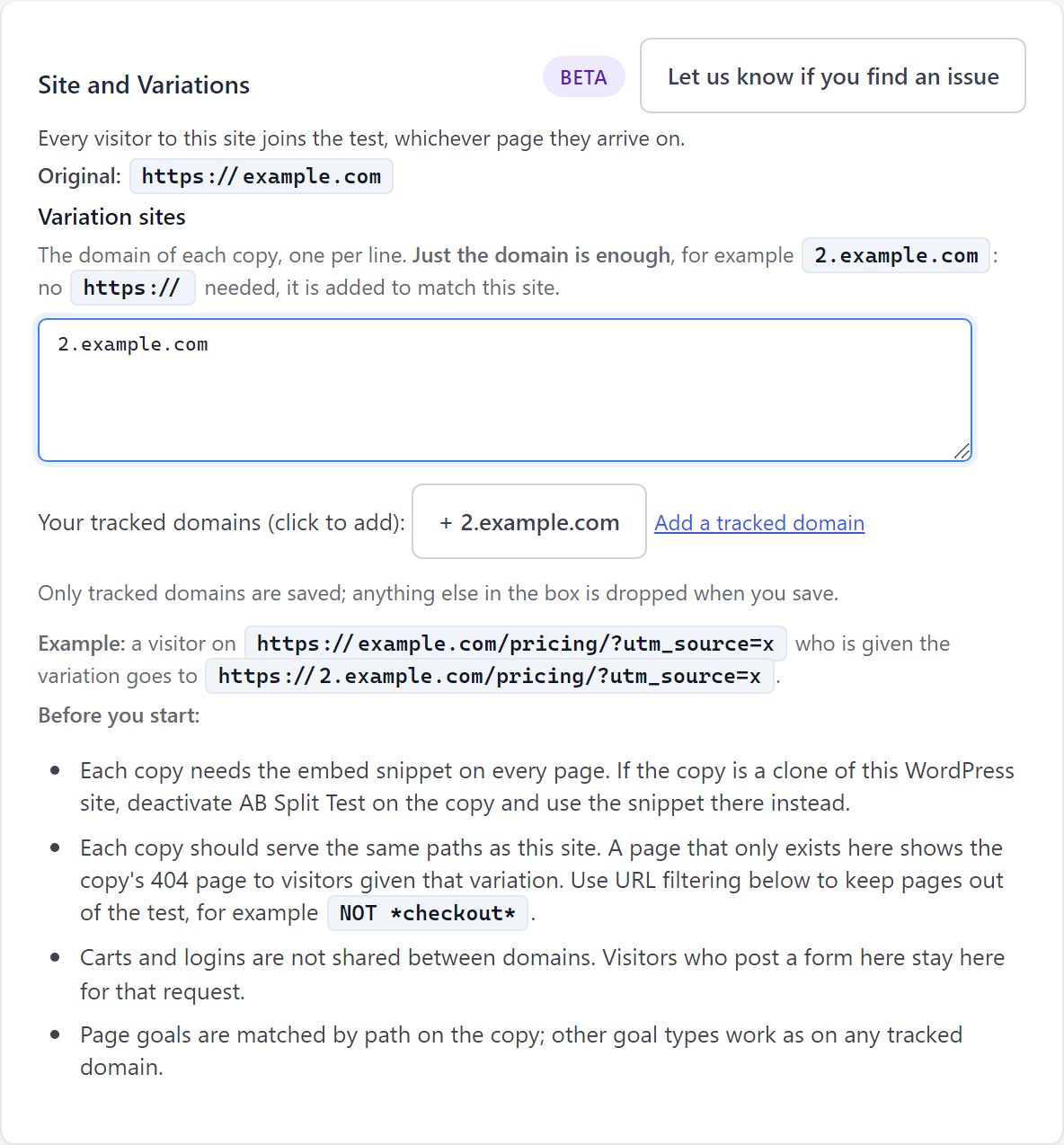
Split every visitor between your site and a copy of it on another domain or subdomain. A visitor given the copy lands on the same address there and stays on the copy.
Choose it when
- A redesign lives on a subdomain, such as
2.example.com - You are moving to a new platform and want to compare it before you switch
- The change affects every page, such as a new theme
Good to know: it is switched off by default and needs the copy to serve the same addresses as your site. Goals that depend on WordPress, such as WooCommerce orders and form plugins, only count on the original, so use a URL visit or click goal.
Guide: Full Site Tests
Test Code: CSS and JavaScript
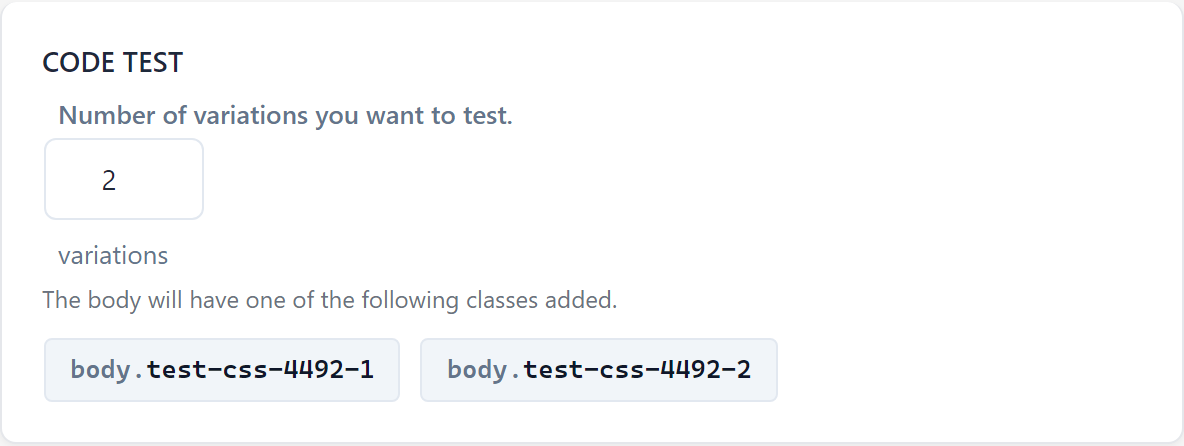
AB Split Test adds a different class to the page’s body for each variation. You write the CSS or JavaScript that acts on that class.
Choose it when
- The change is a style change across many pages, such as button colours or font sizes
- You want to test something a developer has built, such as a new checkout step or a pop-up
- You want the test to apply site wide without editing each page
Not the best fit when you are not comfortable writing CSS. Magic can restyle a single element without code.
Side by side
| Magic | On Page Elements | Full Page | Full Site | Test Code | |
|---|---|---|---|---|---|
| You change | Elements on a page | Sections of a page | A whole page | The whole site | Styles or behaviour |
| Where you build it | On the live page | Your page builder | A second page | A second site | Your stylesheet or script |
| Setup time | A minute | A few minutes | As long as the second page takes | As long as the second site takes | Depends on the code |
| Visitor is redirected | No | No | Yes | Yes | No |
| Needs code | No | No | No | No | Yes |
| Runs on other domains | Yes | Yes | Yes | Yes, that is its purpose | Yes |
Whichever type you choose, the rest is the same: set a conversion goal, launch, and read the results in the same screen. See AB Split Test Conversions: Updated Guide.